Fixed ops reports should help managers do two things faster: understand performance and lead the department.
But in many dealerships, managers spend too much time pulling reports, checking different screens, and formatting numbers by hand.
A fixed ops director at Sam Pack Ford says Digital Dealership System saves him 5 hours per week. A manager at Tindol Ford said he spends 90 minutes a day on reports because his DMS does not give him what he needs quickly enough.
Freeing up 5+ hours for what actually moves the service department forward.
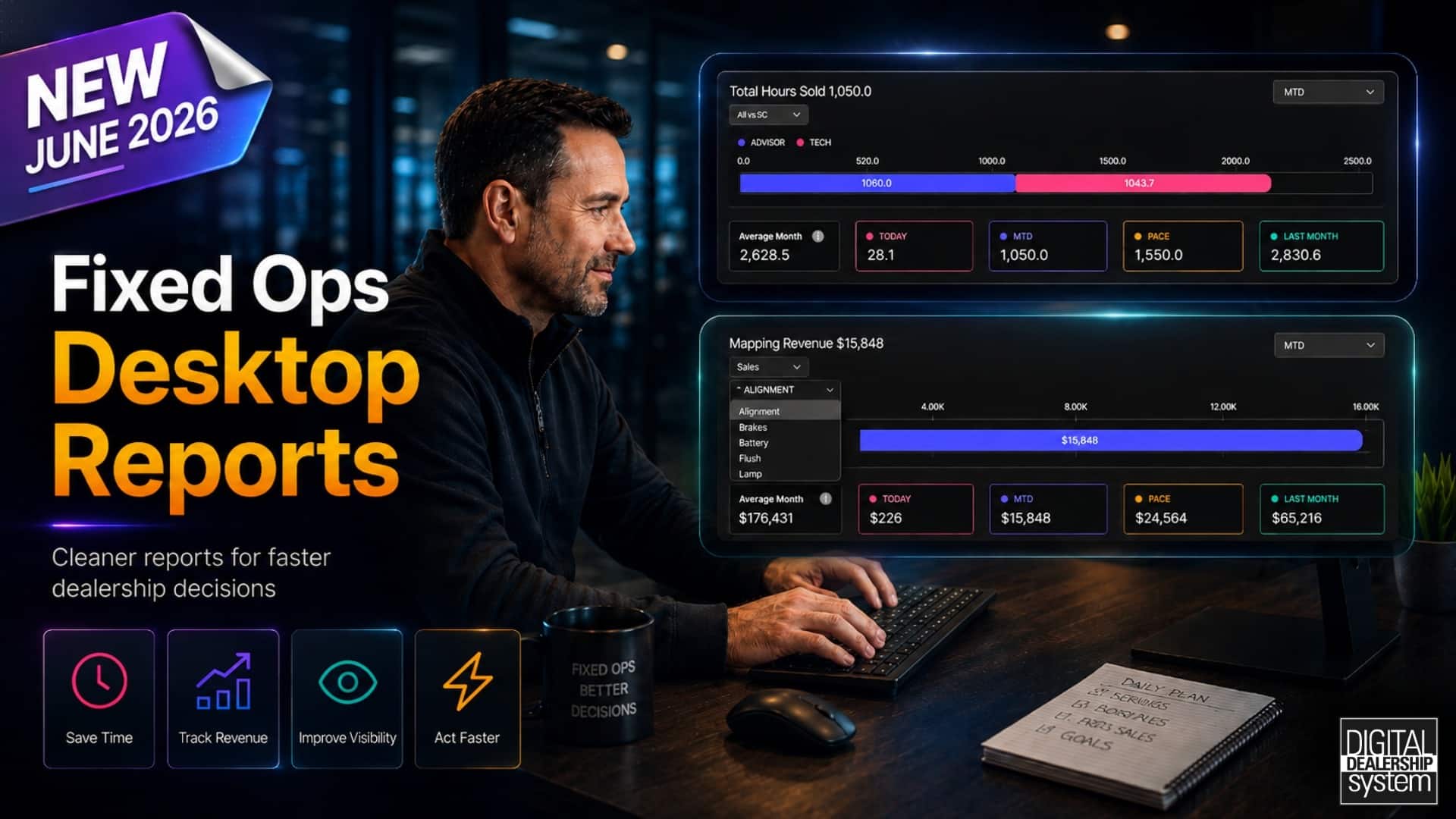
Fixed Ops Desktop Reports from the Digital Dealership System help managers review key areas, such as OP code revenue, total hours sold, and department pace, without having to pull data from scratch each time.
The goal is simple: less time compiling reports and more time leading the department.
5 Key Takeaways
Desktop Reports help managers save time.
Managers can review key fixed ops numbers without building every report by hand.
Cleaner reports make performance easier to understand.
Important data is organized so managers can find what they need faster.
OP Code Tracking shows where revenue is coming from.
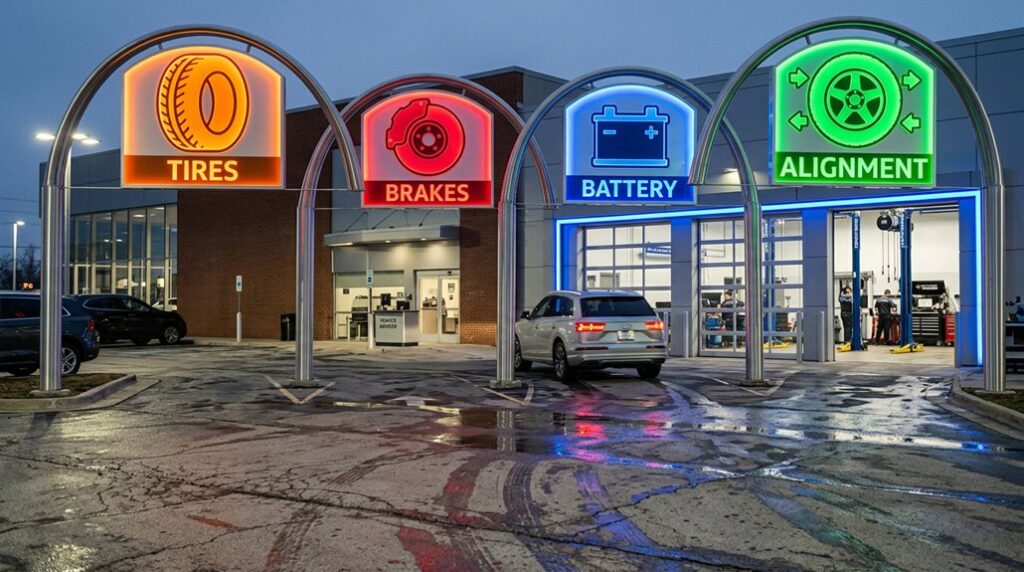
Managers can group op codes and part codes into service categories like alignments, brakes, batteries, tires, flushes, MPI, and more.
Total Hours Sold helps managers track pace.
Leaders can see whether the department is moving in the right direction before the month is over.
Better reporting helps managers make faster decisions.
When reports are easier to use, managers can spend more time coaching, adjusting, and improving the department.
Fixed Ops Managers Should Not Have to Build Reports by Hand
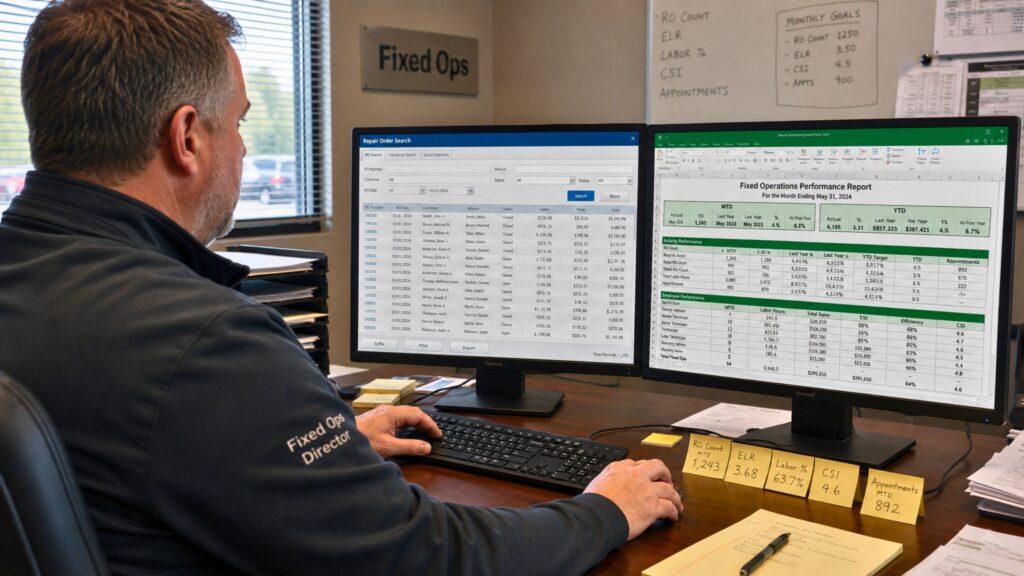
Fixed ops managers already have many moving parts to oversee.
They are responsible for service performance, advisor activity, technician productivity, customer experience, hours sold, labor sales, effective labor rate, gross, and more.
The numbers are important, but getting to those numbers should not be the hardest part of the job.
In many dealerships, managers still have to pull reports from multiple DMS screens. They may need to export data, compare pages, check codes, build spreadsheets, or manually format information before it can be reviewed.
That creates a timing problem.
By the time the report is finished, the numbers have likely already changed.
Repair orders move through the shop. Advisors sell more work. Technicians complete more hours. Revenue changes. Goals shift. The department keeps moving.
Real-time desktop reports from the Digital Dealership System help solve that problem by making key fixed ops information easier to access and review.
Instead of starting from scratch every time, managers can use cleaner, preformatted reports to understand what is happening faster.
That means less time chasing numbers and more time using those numbers to lead.
OP Code Tracking Helps Managers Understand Revenue by Service Category
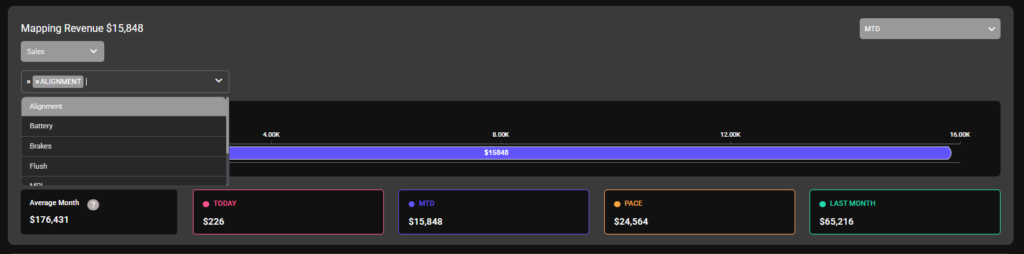
Fixed ops managers do not only need to know total revenue.
They also need to understand where that revenue is coming from.
That is where OP Code Tracking and Mapping Revenue become valuable.
This report allows dealerships to group op codes and part codes into service categories. These may include alignments, brakes, batteries, tires, flushes, MPI, windshields, and other services the dealership wants to track.
Instead of reviewing individual codes one by one, managers can see performance by category.
That makes the information easier to understand and easier to use.
For example, a manager may want to know how alignments are performing this month. Or whether brake opportunities are being captured. Or whether flushes are pacing toward the goal.
When those categories are mapped clearly, managers can connect reporting to real dealership goals.
If a category is behind pace, managers don’t have to wait until the next meeting. They can update and redirect the advisor in real-time. They can maintain a consistent flow of spotting missed opportunities and reminding the team where to focus.
If a category is doing well, they can recognize that performance and reinforce what is working.
OP Code Tracking turns raw data into actionable information for management.
Total Hours Sold Shows Whether the Department Is on Pace
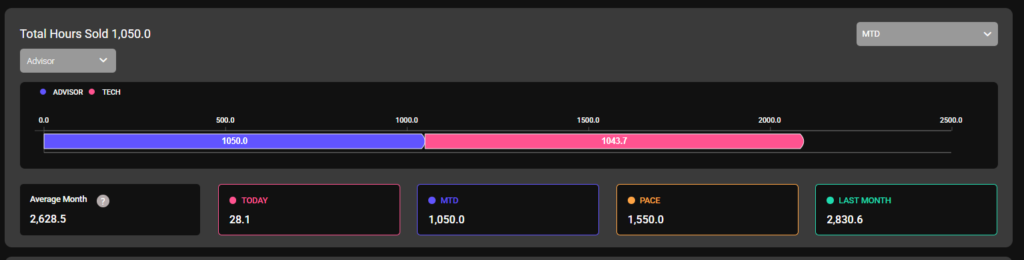
Hours sold is one of the clearest signs of fixed ops performance.
It helps managers understand production, capacity, performance, and pace.
But the number becomes more useful when managers can compare it clearly.
A basic total may show how many hours have been sold, but it does not always tell the full story. Managers need context.
They need to know how today compares to the month so far. They need to know if the department is pacing ahead or behind. They need to know how current performance compares to last month or a typical month.
The Fixed Ops Total Hours Sold report helps give managers that view.
It can summarize hours sold by role and time period, helping leaders understand current performance, pacing, and recent activity.
That matters because managers need to know whether the department is moving in the right direction before the month is over.
If hours sold are behind pace, management can look deeper.
Is the issue advisor performance? Technician productivity? Scheduling? Dispatch? Declined work? Shop capacity?
If hours sold are strong, managers can review what is working and reinforce that behavior with the team.
Total Hours Sold gives managers a faster way to review one of the most important fixed ops numbers.
Automated Reports Help Fixed Ops Managers Make Better Decisions Faster
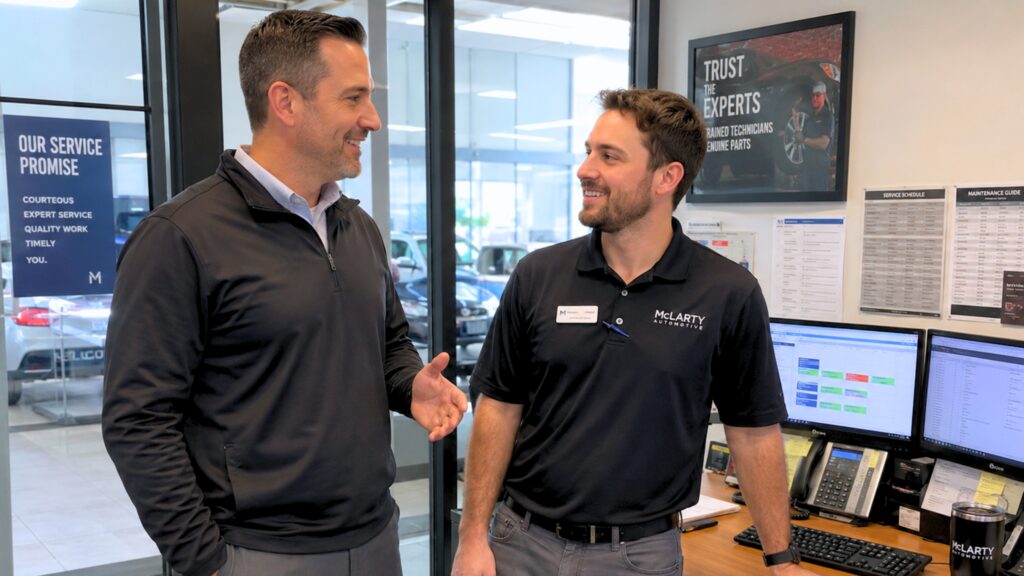
Desktop Reports are valuable because they make fixed ops data easier to use.
The point is not to overwhelm managers with more numbers. The point is to organize important information so leaders can review it faster and act with more confidence.
When reports are easier to access, managers can spend less time building them and more time using them.
They can review OP code revenue. They can track service categories. They can monitor total hours sold. They can understand department pace. They can spot issues sooner. They can have better conversations with advisors and technicians.
That is where the real management value comes from.
Cleaner reports help managers move from “What happened?” to “What should we do next?”
A report that only explains the past has limited value. A report that helps managers act today is much more useful.
Fixed Ops Desktop Reports from the Digital Dealership System help dealership management save time, review key performance areas, and make faster, more informed decisions.
For busy fixed ops leaders, that can mean fewer hours spent building reports and more time spent improving the department.
Schedule a demo to see how Digital Dealership System can help Fixed Ops Directors spend less time chasing reports and more time leading performance.