Daily Operating Control, or DOC, reporting should be fast and clear. Manual reporting slows teams down and often leads to mistakes. Automation brings current numbers to every screen, which helps leaders act with confidence.
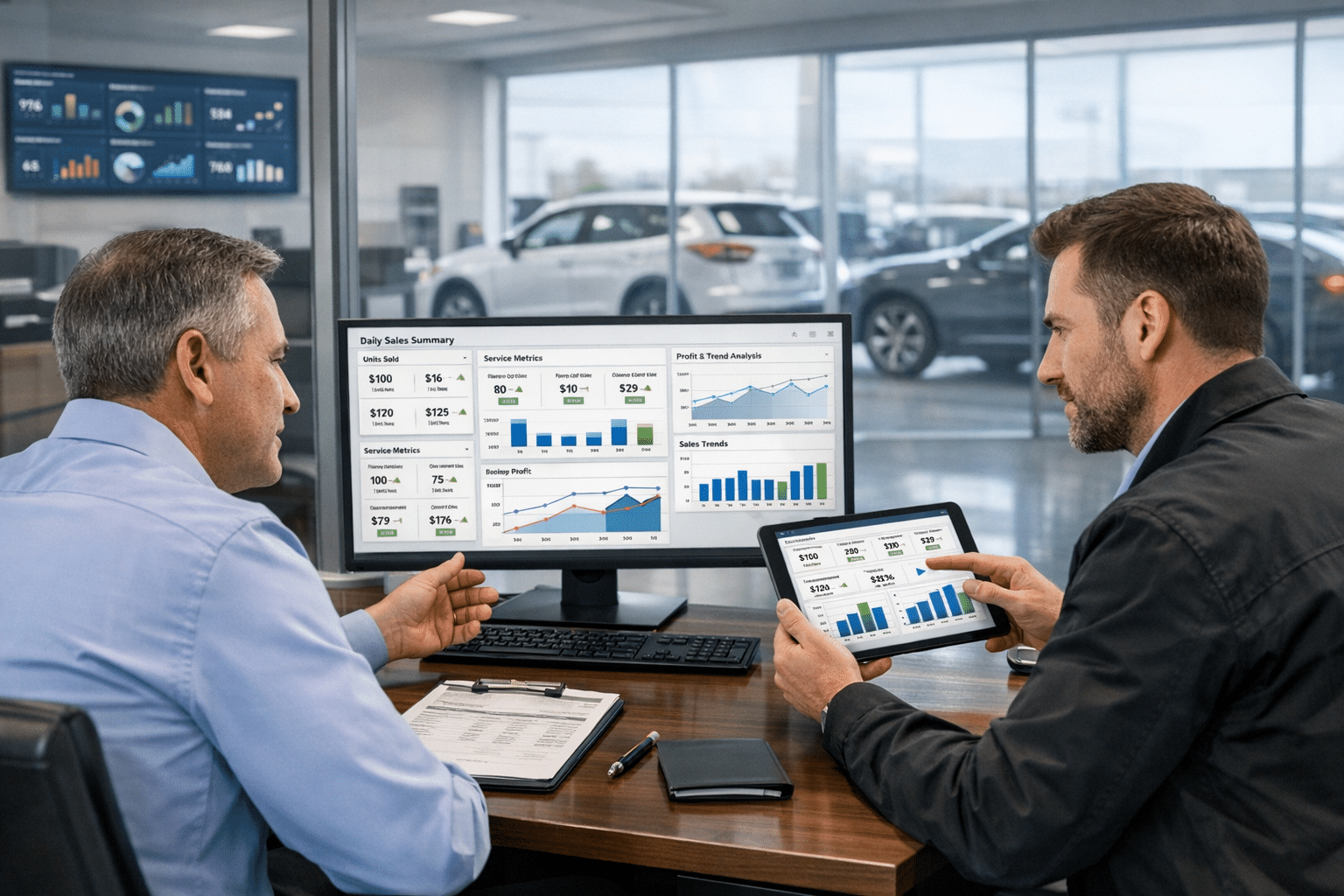
The Digital Dealership System pulls data into one place and shows key performance indicators, or KPIs, in real time. It also runs digital signs that keep teams focused on goals. With this setup, reporting becomes easier, document management gets cleaner, and insights arrive on time, every day.
This guide walks through DOC reporting automation step by step. It covers best practices, benefits, common roadblocks, and simple fixes. Get ready for a smarter way to manage reporting.
Key Takeaways
- Automating DOC reporting with tools like the Digital Dealership System links Dealer Management Systems, or DMS, and Business Intelligence software, or BI, to power live KPI dashboards.
- Using artificial intelligence, or AI, Optical Character Recognition, or OCR, and scheduled emails removes manual entry, reduces errors, and delivers current reports to any device.
- Integrated automation breaks down data silos across departments, supports custom dashboards for each team, and keeps critical information updated all day.
- Common hurdles include mismatched data and tough system connections. BI platforms such as TARGIT, plus steady training and vendor help, solve these problems.
- Automated reporting saves hours each week, improves decision accuracy, strengthens document control, and protects profit, giving dealerships a strong edge.
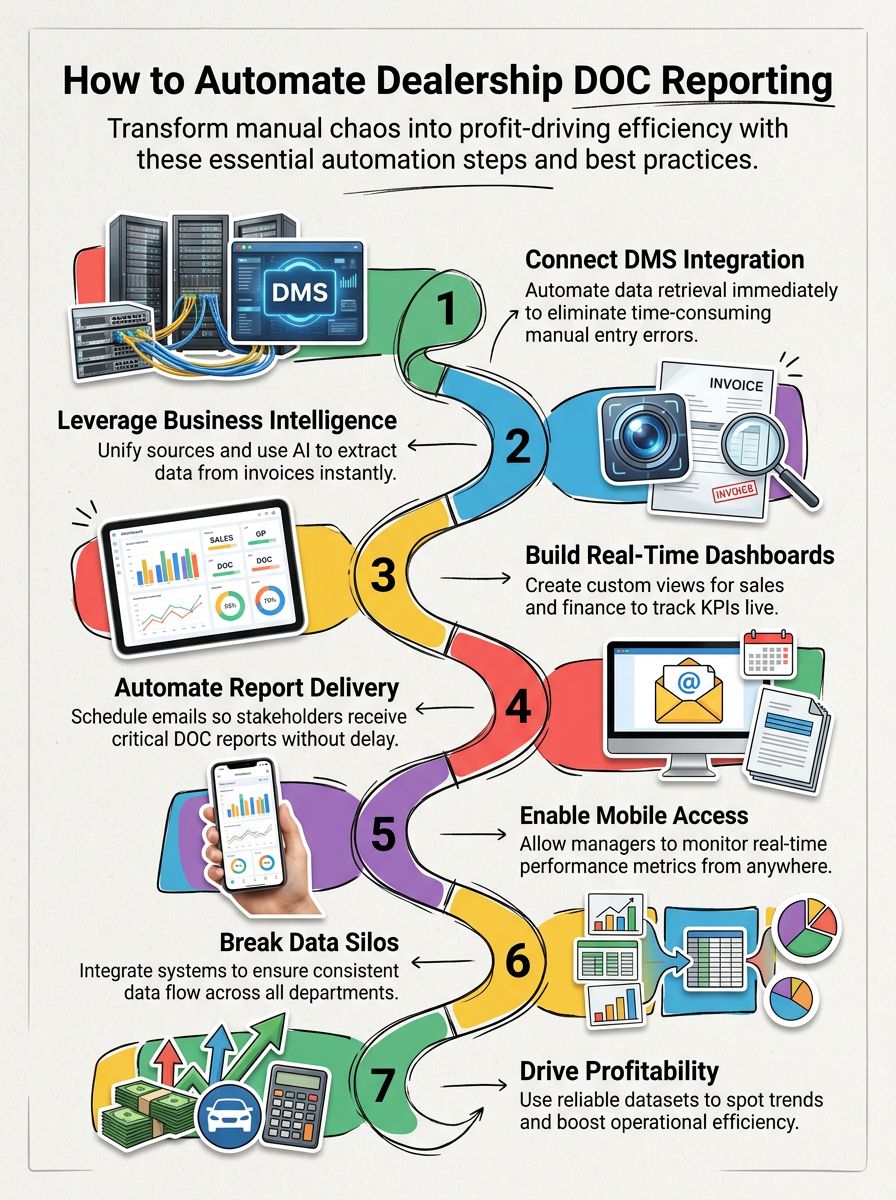
Key Steps to Automate DOC Reporting in Dealerships
Smart automation clears bottlenecks and speeds up reporting. A few focused moves can transform daily work without adding headcount.
For example, one rooftop set up automated emails before month-end. Sales managers started each day with current KPIs, and meetings got shorter.
What are the essential steps to start automating DOC reporting?
Automation brings speed and accuracy to daily reporting. Getting started is straightforward with the right plan and tools.
- Connect the Dealer Management System, or DMS, to pull data automatically. This reduces manual work and cuts common entry mistakes.
- Adopt a Business Intelligence, or BI, platform to build live dashboards with views for sales, service, finance, and leaders.
- Use AI and OCR to capture data from receipts, repair orders, and forms. Clean fields flow straight into reports.
- Set daily email schedules or share dashboards so teams receive DOC updates on time without hunting for files.
- Create department views that spotlight key KPIs. Each team sees only the numbers needed to hit goals.
- Track performance with live trends. Spot dips early and adjust staffing, pricing, or inventory faster.
- Integrate systems end to end. Fix siloed or inconsistent data so information moves across the store without friction.
How can dealerships integrate automation tools with existing systems?
Strong integration unlocks the real value of automation. When systems talk to each other, reporting becomes timely and reliable.
- Use the Digital Dealership System for live KPI dashboards that show sales and service results at a glance.
- Connect DMS data directly to automation software so daily figures feed DOC reports with no manual entry.
- Apply BI tools such as TARGIT to combine data from many sources and deliver insights on any phone or tablet.
- Bring in AI and OCR solutions like DocStar to read invoices and contracts, then post the data into digital workflows.
- Automate report delivery with scheduled emails or live dashboards so leaders get timely updates wherever they are.
- Design role-based dashboards for sales managers, service advisors, and executives. Each view highlights the right KPIs.
- Standardize data capture to remove silos. Replace paper-heavy steps with digital routines that run the same way every time.
This kind of setup speeds up decisions and keeps teams aligned in a tight market.
What best practices ensure successful DOC automation?
DOC automation works best with clear data, simple views, and steady habits. These practices help teams get value on day one and keep it growing.
- Integrate DMS data to update performance metrics automatically. This saves time and lowers the risk of typos.
- Choose a full BI platform with easy data integration so sales, service, parts, and accounting refresh in near real time.
- Build clear KPI dashboards for fast visibility into sales goals, expenses, and profit per deal.
- Schedule DOC reports to send daily. Everyone stays aligned without extra reminders.
- Connect scattered sources through BI. Fix mismatched fields and improve cross-department insights.
- Create role-specific analytics. Service leaders track repair order flow while finance watches gross and aging.
- Prioritize mobile-friendly dashboards so leaders can check numbers in the office or on the lot.
- Provide regular training on filters, drilldowns, and exports. Confidence grows, and adoption follows.
Next, see how these habits turn into real gains for the store.
What are the benefits of automating DOC reporting in dealerships?
Real-time insights change how teams monitor performance. Automated DOC reporting pulls data from the DMS and BI platform, then updates figures so managers can check results from a desk or a phone.
Custom dashboards travel with the team. Trends show up early, and small issues stay small because leaders act faster.
Manual entry takes time and leads to errors. Automation removes duplicate work, improves accuracy, and sends scheduled updates to the right people every day.
AI-powered analysis supports smarter decisions using complete data. Stores gain back hours each week, control costs better, and grow profit with clearer reporting. After setup, the process runs quietly in the background and delivers the facts needed to lead.
Challenges and Solutions in Implementing Automation
Some stores hit bumps during DOC automation. A plan and the right partners smooth the path and protect data quality.
What common challenges arise when automating DOC reporting?
Data often lives in silos across sales, service, parts, and accounting. That makes integration hard and can leave gaps in daily results.
Fields may not match across sources, which causes mapping headaches. Custom views are also tricky, since leaders want current KPIs without extra editing that invites human error.
Reliable DMS integration is vital for timely business insight. Slow updates lead to poor choices and missed targets. Clean, consistent data must flow on its own, even as systems change during the month.
How can dealerships overcome these automation challenges effectively?
Success starts with strong tools and simple steps. These moves help teams launch fast and keep improving.
- Adopt a BI solution such as TARGIT to connect sources and automate DOC reporting with solid data integration.
- Sync the DMS directly with automation software to capture daily sales and service numbers without rekeying.
- Use OCR and AI to extract data from invoices and repair orders. This speeds up posting and reduces errors.
- Customize dashboards for live KPI tracking on any device so updates appear right away.
- Automate daily report delivery with email or shared dashboards so key staff always have current facts.
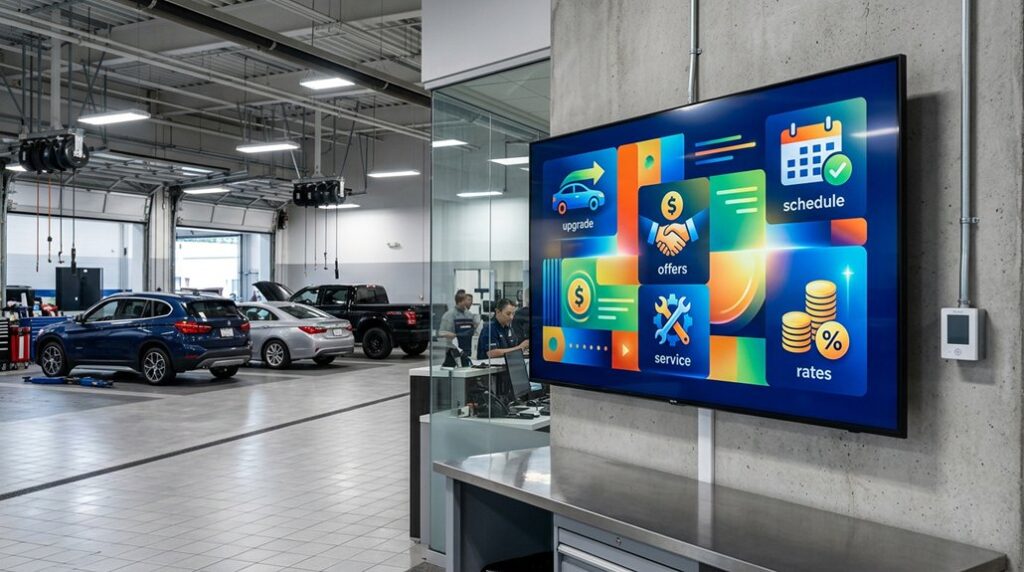
- Share live results on digital signs or leaderboards in the showroom. Clear targets keep teams engaged.
- Offer focused training so everyone feels comfortable with new tools and features.
- Lean on software vendors for support, quick fixes, and updates as the store grows.
Each step builds momentum and brings the benefits of automation within reach.
Conclusion
Dealerships that automate DOC reporting gain a clear edge. Accurate data lands in one place, and leaders use real-time dashboards to track sales, costs, and profit with less effort.
Workflows get smoother, errors drop, and document control improves. Stronger insight supports better choices every day.
Ready to modernize reporting with less busywork and more clarity? The Digital Dealership System makes getting started simple. Ask for a custom setup that fits the store’s goals and team.
FAQs
1. What is Daily Operating Control (DOC) reporting in dealerships, and why automate it?
Daily Operating Control reporting tracks key dealership metrics like sales, expenses, and inventory each day. Automating DOC reporting saves time, reduces manual errors, and gives managers real-time insights to make faster decisions.
2. How can a dealership start automating its DOC reports?
Dealerships begin by selecting a reliable software solution that integrates with their existing Dealer Management System. The right platform pulls data directly from your system, compiles daily reports automatically, and delivers them straight to your inbox or dashboard.
3. What benefits does automated DOC reporting offer over manual processes?
Automated DOC reporting eliminates repetitive tasks for staff while ensuring accuracy every single day. Managers get up-to-date numbers without waiting for end-of-day tallies; this means better forecasting and quicker responses to trends or issues as they arise.
4. Is technical support available during the transition to automated DOC reporting?
Yes; most providers offer onboarding assistance plus ongoing customer service throughout setup and beyond. This ensures smooth integration with current systems so you can focus on running your dealership efficiently—without worrying about technology hurdles slowing you down… Call today or visit our website for more details on how easy automation can be!