Many dealerships want stronger profits from their service lanes. Increasing dealership upsell ratios with digital service menus starts with showing clear choices at the right moment. With simple screens and real-time prompts, staff can suggest useful service bundles that keep vehicles in great shape.
Digital service menus combine live pricing, digital marketing messages, and customer preferences. They highlight items like a multipoint inspection, which is a complete check of key parts and fluids, and simple personalization options. This guide explains how Digital Dealership System tools raise upsell results fast, often with small workflow changes that lead to big revenue gains.
Key Takeaways
- Digital service menus use live data and attention-grabbing screens to spotlight add-ons, which makes upselling easier and faster.
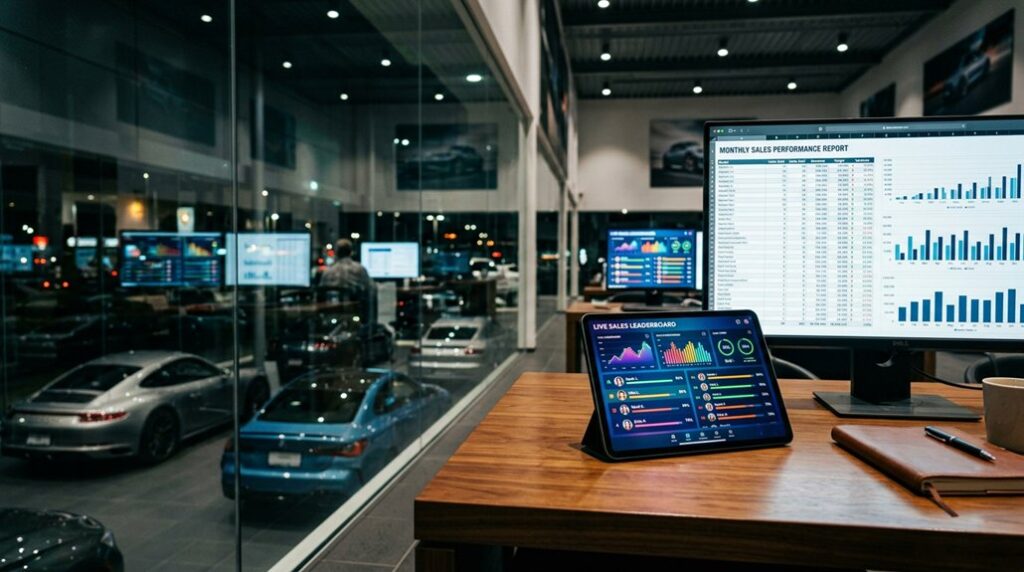
- KPI dashboards, short for key performance indicator dashboards, and leaderboards track results, encourage friendly competition, and support team goals.
- Built-in marketing tools post new offers right away, so customers see timely deals while waiting for service.
- Connections to current dealership software keep pricing, parts availability, and messages accurate, improving conversion rates.
- Dealerships report higher revenue, stronger customer satisfaction, and better retention without needing more staff or large budgets.
What Are Digital Service Menus for Dealerships?
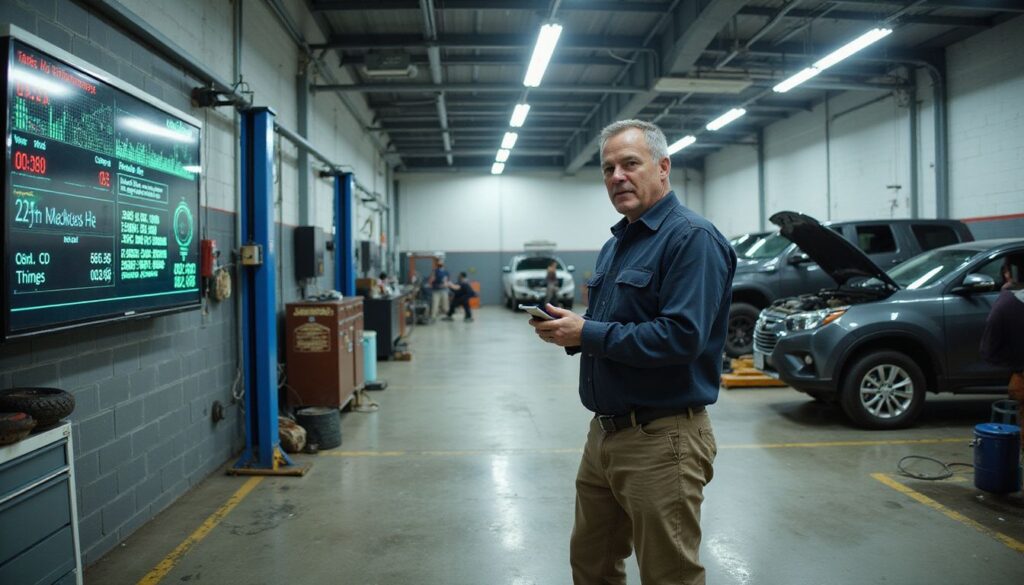
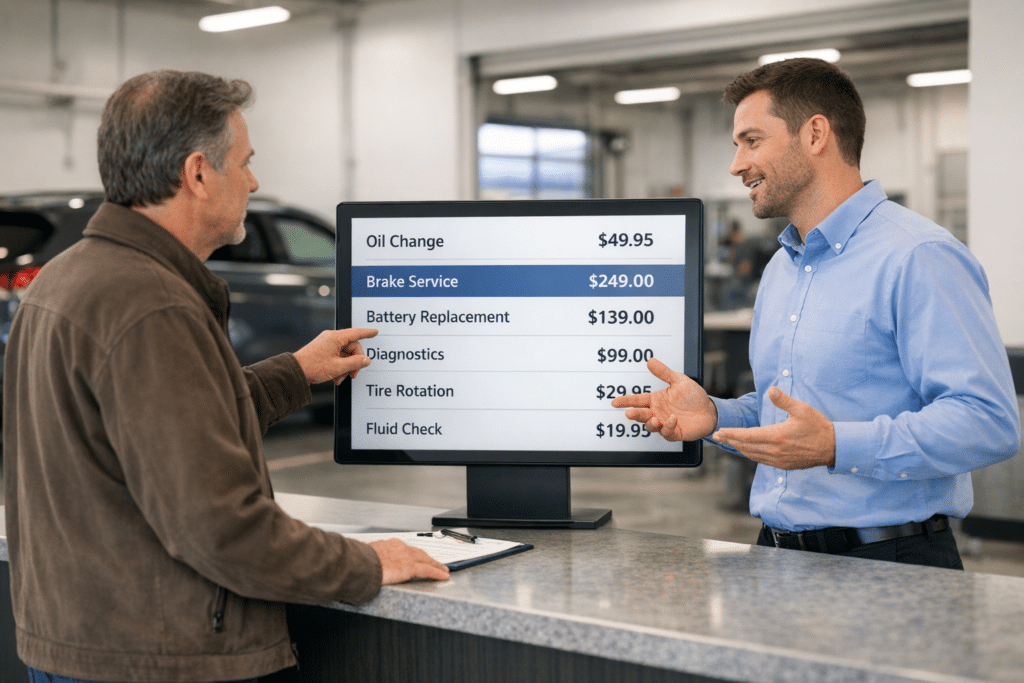
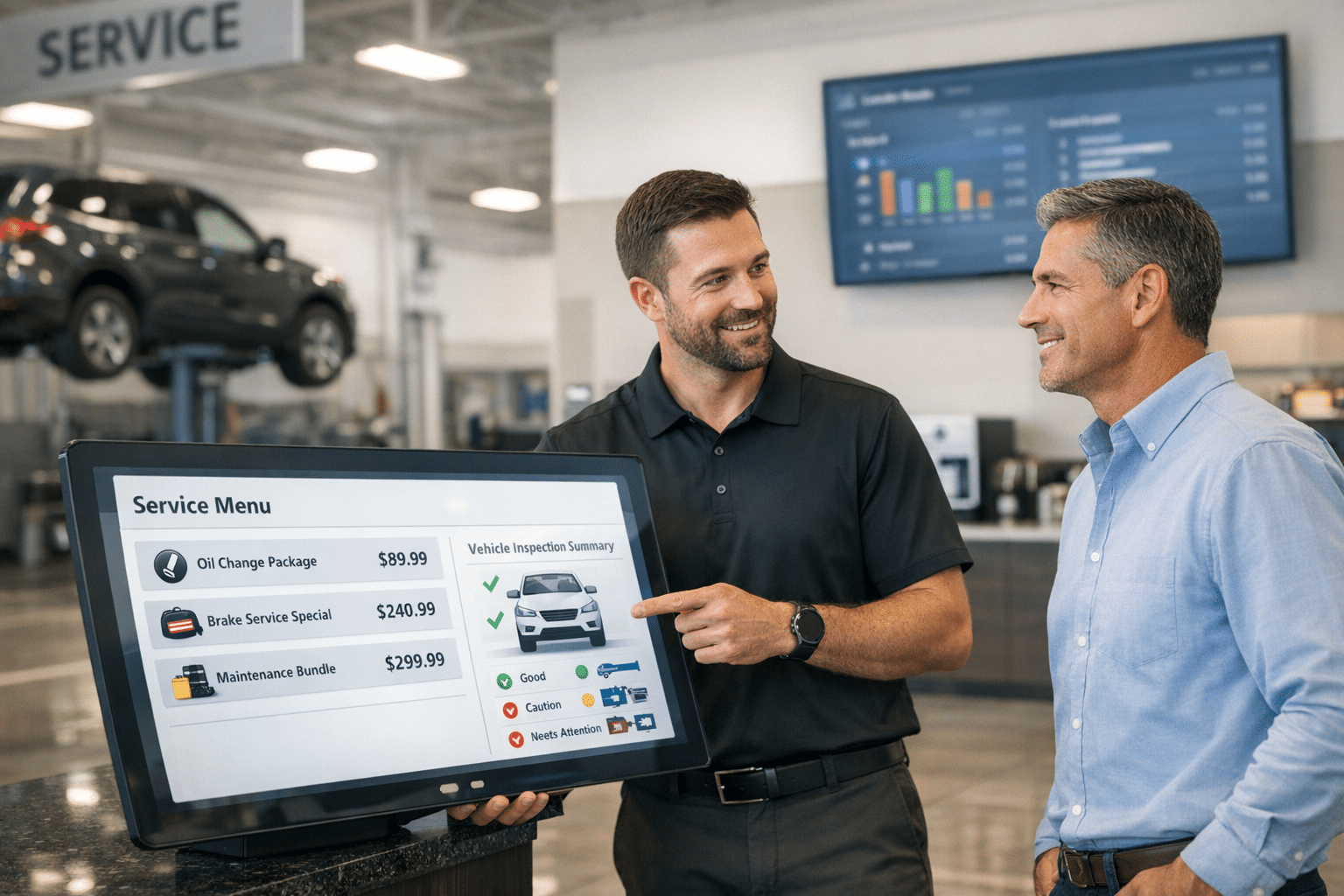
Digital service menus are dynamic screens that show services and prices in real time. Digital signage, which is a network of in-store screens, places options where guests can see them while they wait. Clear choices help visitors compare services, from oil changes to brake checks, and say yes to the right add-ons.
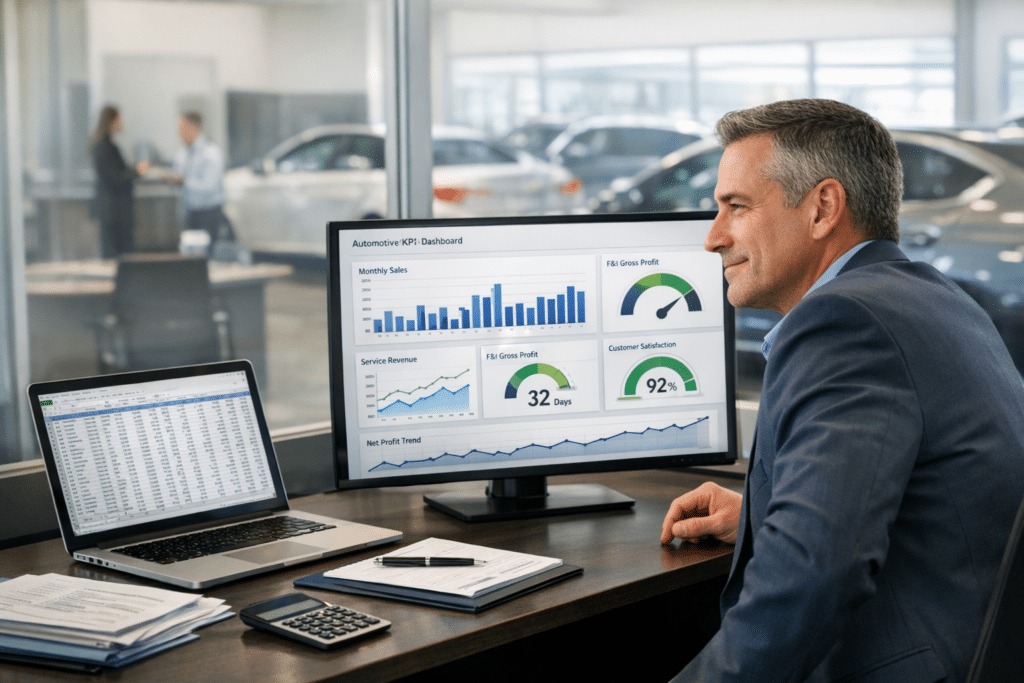
Managers can update any screen in seconds, keeping messages fresh and relevant for every customer who walks in. KPI dashboards, simple scorecards that track results, measure upsells, wait times, and customer engagement. Leaderboards rank progress by advisor or team, which motivates staff and makes goals visible.
The system fits large franchises and smaller local stores. With honest pricing and plain language on the menu, customers feel informed before work begins. That trust often leads to repeat visits and stronger word of mouth in the community.
Key Features Driving Upsell Ratios
Digital service menus make upselling smooth and simple. The right features turn quiet wait time into helpful, low-pressure conversations that boost sales.
How Do Digital Service Menus Highlight Additional Services?
Menus present clear recommendations right on the screen. Custom tiles can suggest tire rotations, cabin filters, or brake inspections at the perfect time, which raises visibility and upsell chances during each visit.
Automated screens promote current specials the moment they launch. As offers change, the system updates so customers always see the latest bundles and prices.
Real-time dashboards and leaderboards show who is excelling. Managers can coach quickly and reward advisors for thoughtful recommendations that fit each vehicle’s needs.
These tools also support simple marketing plans that bring attention to seasonal care, like battery tests before winter or AC checks in summer. More awareness often means more yeses to useful add-ons.
With easy-to-read menus and live updates on display, dealerships boost both customer satisfaction and sales opportunities.
User experience has a big impact on how well these tools perform.
What Role Does User Experience Play in Upselling?
A clean, friendly layout helps customers grasp options fast. Simple language and quick taps explain what a service does and why it matters, which supports better choices at the counter.
Digital signage places timely offers around the lounge and service desk. That visibility makes upgrades feel natural, not pushy.
Real-time KPI dashboards track each upsell attempt, close rate, and average repair order. Custom leaderboards inspire healthy competition and help managers fine tune scripts and timing.
Digital marketing features tie in with these screens, so email, text, and in-store messages match. The result is a smooth path from interest to checkout with fewer delays or questions.
Engaging menus lift upsell ratios because shoppers feel informed, comfortable, and ready to approve the services that fit their situation.
How Can Integration with Dealership Systems Improve Sales?
Seamless integrations pull data from sales, parts, and service into one view. Advisors see live pricing, inventory, and customer history on the same screen, which speeds decisions and reduces errors.
Targeted messages on the displays increase service visibility at the right moment. Customers notice relevant offers, like wiper blades during rain season or alignment checks after pothole season.
Leaderboards and manager tools set clear goals and celebrate wins. Professional setup and training ensure each feature gets used daily, turning every interaction into a chance to help the customer and grow sales.
Teams know exactly where they stand. That clarity builds momentum day by day, leading to higher upsell ratios and steady revenue growth.
How Do Digital Service Menus Increase Upsell Ratios?
Digital service menus give stores a modern, organized way to present services. This setup invites questions, opens the door to add-ons, and keeps advisors focused on value.
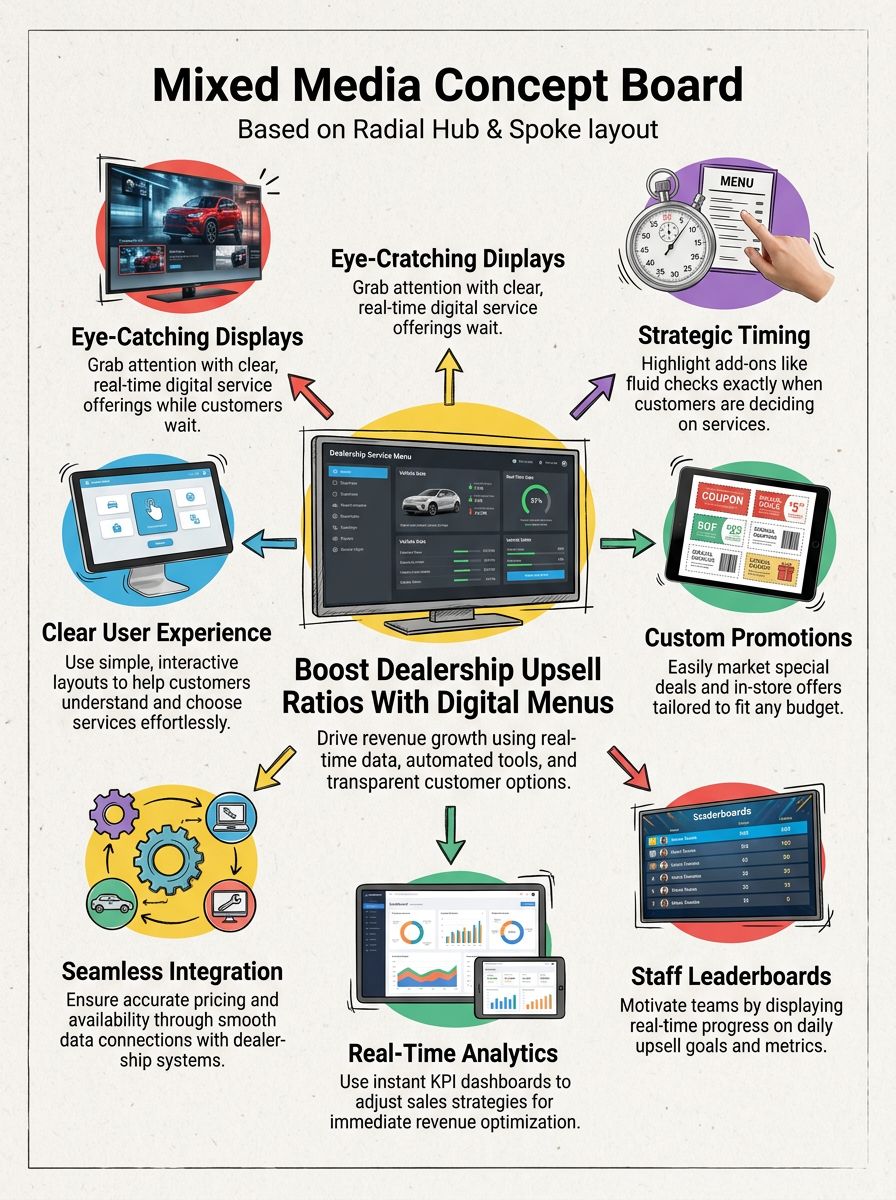
- Digital signage catches attention with clear, real-time options, so add-ons are easy to spot while customers wait.
- Menus highlight extra services, such as fluid exchanges or tire rotations, at the exact time approval is most likely.
- Custom marketing tools promote store-specific deals that fit any budget or footprint.
- Built-in communication prompts help advisors suggest practical upgrades on the spot.
- Automated leaderboards keep teams engaged with daily progress on upsell goals.
- Real-time KPI dashboards share instant analytics, so advisors can adjust their approach for better results.
- Integrations deliver accurate pricing and parts status, which supports higher conversion rates and fewer delays.
Conclusion
Digital service menus lift dealership performance by making choices clear and timely. Advisors see what sells best on KPI dashboards, then offer helpful, personalized options with confidence.
Bright, automated screens draw attention to bundles, maintenance plans, and quick wins customers appreciate. Dealerships that use these tools often see stronger revenue enhancement, better customer engagement, and rising retention.
Ready to raise upselling results with digital service menus? Book a short demo, compare sample menus, and see how fast your team can grow approvals and keep drivers coming back.
FAQs
1. What are digital service menus, and how do they help increase upsell ratios at dealerships?
Digital service menus are interactive tools that present customers with clear repair and maintenance options during their visit. These menus guide clients through available services, making it easier for them to understand choices and value. As a result, customers often select recommended add-ons or upgrades, which increases the dealership’s upsell ratio.
2. How does using a digital service menu improve customer trust in my dealership?
Digital service menus display transparent pricing and detailed descriptions of each offering. This openness builds credibility because clients see exactly what they’re getting before agreeing to any work. When people feel informed about costs and benefits, they’re more likely to approve additional services.
3. Can digital service menus be customized for different vehicle makes or client needs?
Yes; these platforms allow you to tailor recommendations based on specific vehicles or previous customer history. Service advisors can highlight relevant packages or seasonal offers that match the client’s situation, leading to higher satisfaction rates and increased sales opportunities.
4. What steps should I take if I want to implement digital service menus at my location?
Start by researching reputable providers who specialize in automotive retail technology solutions with proven results in boosting upsell performance. Request demonstrations so your team can experience the interface firsthand; then train staff thoroughly on presenting options clearly using this system. For best results, promote your new process online and inside your store—invite customers to ask questions about how it works today!