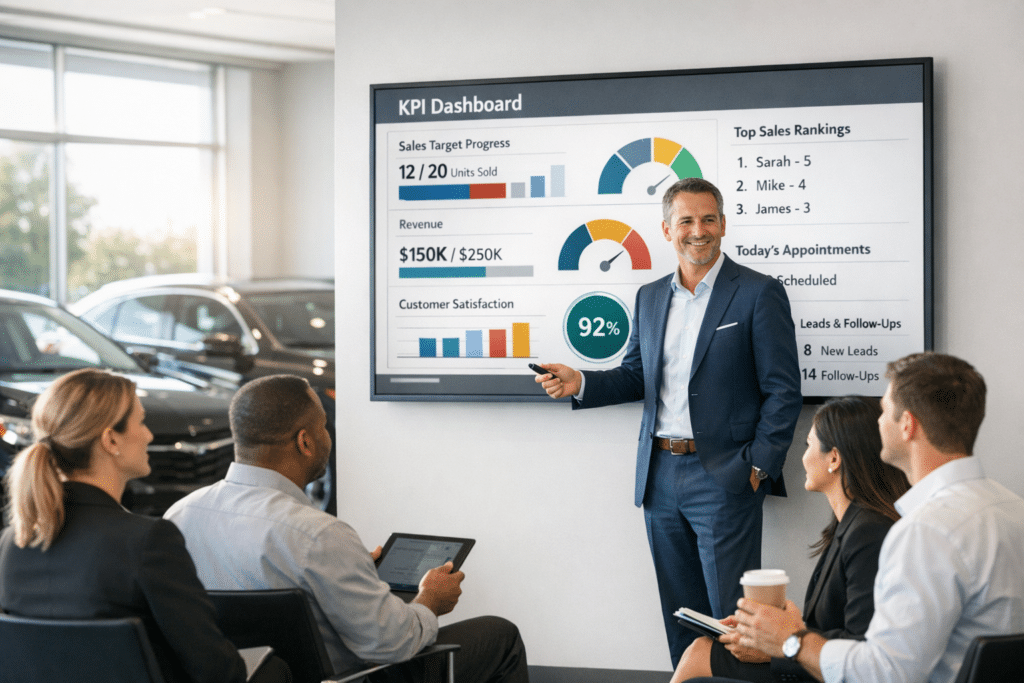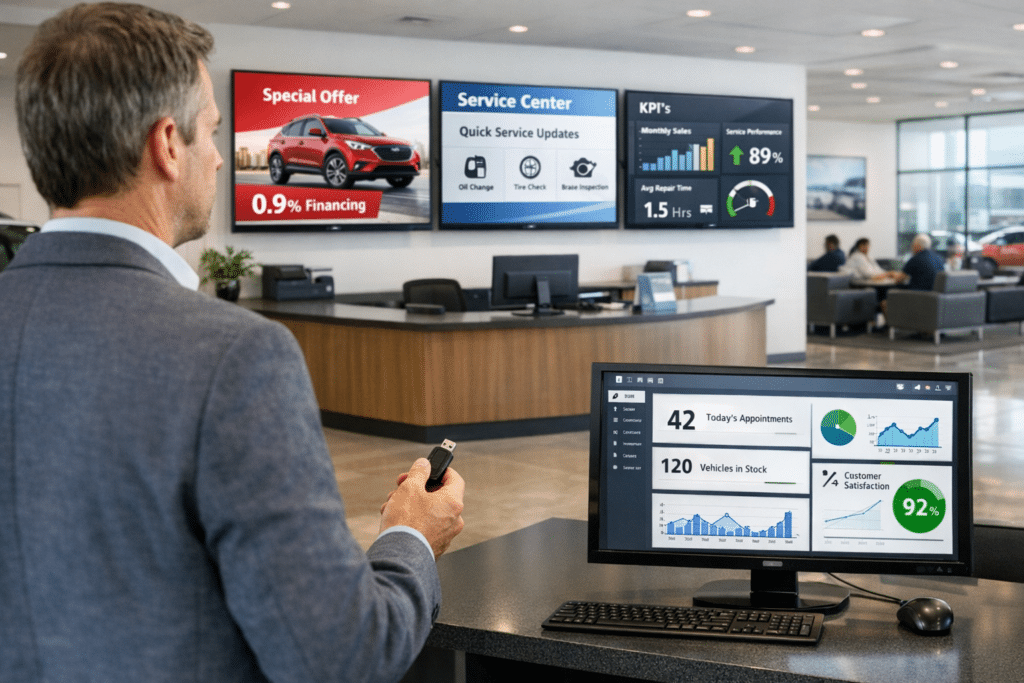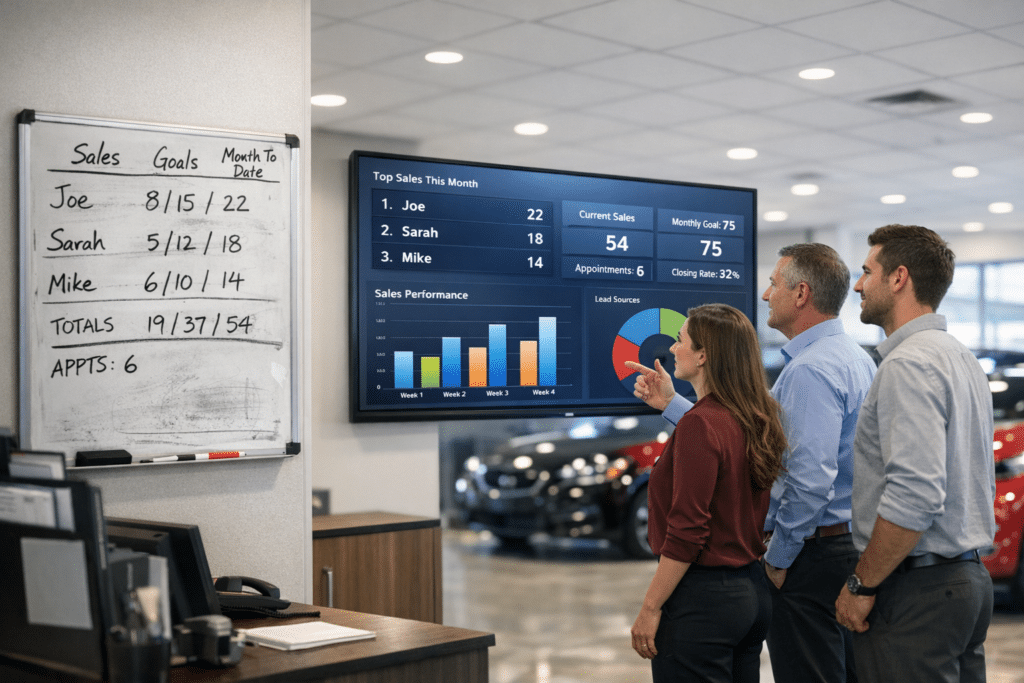

Ever watch a technician stand around waiting on a part that’s already sitting at the counter? That’s the exact headache shared digital dashboards were built to fix.
It happens more than most dealerships want to admit. Parts teams hunt for repair order updates while service advisors make call after call just to find a vehicle’s status.
Here’s the trick I keep coming back to: give both teams one shared screen with the same numbers, updated live.
No more lost paperwork. No more vehicles sitting idle in the bay while someone tracks down an answer.
I’ll walk you through exactly how this works and how to roll it out without disrupting your day-to-day. Grab a coffee, and let’s get into it.
Key Takeaways
- Shared digital dashboards cut down on lost paperwork, shorten vehicle wait times, and remove the communication delays that cost dealerships thousands each month.
- Real-time visibility into repair order statuses, parts availability, and technician locations helps parts and service teams make faster decisions.
- Integration with dealership management systems like DealerTrack DMS and Xtime keeps information flowing without manual data entry or costly vendor disconnects.
- Staff training through vendor guides, hands-on walkthroughs, and phased rollouts makes adoption easier, while role-based alerts and color-coded workflows keep daily operations moving.
- Watching dashboard performance through automated alerts and weekly check-ins helps you catch bottlenecks early and keep your team running at full speed.
A controlled analysis across 12 franchised dealerships showed real gains within 90 days of rolling out shared digital dashboards tied to their DMS and parts inventory systems. Here’s what changed:
| Metric | Before | After 90 Days |
|---|---|---|
| Time to locate a needed part | 18 minutes | 5 minutes (72% faster) |
| Daily calls between parts and service | Baseline | 46% fewer |
| Average bay idle time per vehicle | 2.4 hours | 1.6 hours |
| Daily vehicle throughput | Baseline | 14% higher |
One service manager involved in the rollout put it simply:
“Seeing the same screen in parts and service cut the backlog in half, and technicians spent far more time on repairs than searching for parts.”
Why are shared digital dashboards important in dealership operations?

The problem: disconnected teams waste time and money
Your service department deals with this same headache every day.
- Technicians wait on parts that might already be sitting in the back room.
- Parts teams dig through paperwork trying to find a repair order status.
- Service advisors make phone call after phone call just to locate a vehicle.
Paper gets lost. Time slips away. Revenue stays on the table.
That lost revenue is bigger than most owners realize. According to a 2025 Cox Automotive Service Industry Study, U.S. dealerships have lost 12% of their service market share to independent shops since 2018. Even more telling, 45% of customers blame poor communication and surprise delays, not price, for taking their business elsewhere.
The fix: one shared view for everyone
Shared digital dashboards solve this mess by giving your whole operation one central place to see everything happening right now.
Your parts team knows exactly when a vehicle needs components. Your service advisors spot delays before customers get frustrated. Your technicians pull up work order details without walking across the shop.
Real-time tracking removes the guessing game that costs dealerships thousands each month through baysitting and miscommunication.
Old habits like phone calls, radio chatter, and physical trips between departments create bottlenecks that drain your efficiency. Shared dashboards swap that chaos for instant visibility into repair order statuses, parts arrival alerts, and technician locations across your service operations.
Your fixed operations software connects to your dealer management system to pull all this information into one spot. You stop losing paperwork. You stop wasting hours on communication delays.
Your team works faster because everyone sees the same information at the same time. This shift toward a digital workflow changes how your service operations run. It boosts operational efficiency, strengthens your customer service index, and helps your bottom line.
Key features of shared digital dashboards

Your shared digital dashboard puts real-time data right at your fingertips, so your parts team and service crew stay on the same page. These platforms pull information from your dealership management system and mobile devices, creating one hub where everyone sees repair orders, inventory stocking alerts, and status updates instantly.
How do real-time updates and tracking improve communication?
 Real-time repair order statuses change how parts and service departments talk to each other. Instead of calling around or walking over to check on an order, technicians and advisors see live updates right on their phones.
Automated ETA tracking gives accurate delivery times, so nobody wastes time guessing when parts will show up. According to the J.D. Power 2025 U.S. Customer Service Index Study, 28% of vehicle repairs that aren’t fixed correctly on the first visit fail simply because the needed parts weren’t available. That single number shows why parts visibility matters as much as the repair itself.
One urban dealership swapped paper status boards for a centralized digital status board tied to their DMS and parts scanner. Before the switch, special-order part ETA errors averaged 22%, leading to constant rescheduling.
- ETA errors dropped to just 6% after 60 days.
- Customer callbacks about parts delays fell 58%.
- Time from part scan to technician notification dropped from 12 minutes to under 2 minutes.
An advisor at the location summed up the change:
“Notifications arriving instantly to the techs stopped the guessing. We closed jobs faster and customers stopped having to wait on hold.”
Radio chatter drops. Phone calls decrease. Those constant interruptions that eat up your day simply disappear.
Monitoring technician activity in real time catches a problem traditional methods always missed. When a job runs past its scheduled time, the dashboard flags it right away instead of letting the hours slip by unnoticed.
Service managers catch delays before they snowball into bigger issues. Direct messaging through the dashboard keeps customers updated on their vehicle without extra phone calls.
A digital workflow built for service departments sends information to the office and to customers without extra steps. Fewer interruptions, faster response times, and a team that actually knows what’s happening across the shop. That’s how modern automotive dealerships run today.
Real-time information is the difference between reacting to problems and preventing them.
What makes a centralized communication hub effective?

Now that you see how real-time updates keep everyone on the same page, let’s look at what actually makes a centralized hub work for your dealership.
Your hub succeeds when it pulls every communication channel into one place. Platforms like GoTo Connect for Automotive and RingCentral give your team messaging, video meetings, and file sharing in a single spot.
- Parts staff message service technicians instantly instead of walking over.
- Service advisors share documents with the sales team without digging through email.
- Centralized monitors show the same real-time data to every team member.
- AI Receptionists on RingCentral answer calls around the clock and route customers to the right person in sales, service, or parts.
That last point matters more than it sounds. Instead of shuffling customers around like a game of phone tag, they get connected to the person who can actually help.
Centralized communication and documentation also strengthen quality control and issue resolution across your dealership. Secure sharing of financial and customer data keeps sensitive information protected while your staff collaborates freely, and it all ties back to dealership management systems like DealerTrack DMS and Xtime, so information flows without manual data entry slowing things down.
How do shared dashboards integrate with dealership management systems (DMS)?

Your dealer management system is the backbone of your operation, so shared dashboards need to connect to it without a hitch. GoTo Connect for Automotive links directly with popular CRM and DMS platforms, creating one experience across your whole team.
RingCentral offers similar compatibility. It connects with your inventory management systems and lets you add apps like Salesforce, Procore, and Autodesk through its open platform.
This kind of integration speeds up your sales funnel too, from faster quote generation to quicker deal closures. Before you pick dashboard software, check it carefully against your specific DMS. The wrong choice creates frustrating disconnects between your parts team and service department, plus vendor integration fees you didn’t budget for.
Here’s a quick checklist to run through before you sign anything:
- Does it pull live data directly from your DMS, whether that’s DealerTrack DMS, Xtime, or Cox Automotive software?
- Can it add third-party apps like Salesforce without extra integration fees?
- Will it scale as you add users and locations?
- Does the vendor offer support during the switch, not just at sign-up?
Integration changes how your parts and service departments talk to each other. Your dashboard pulls real-time data straight from the DMS, so nobody manually updates a separate status board.
That connection means your team sees the same information at the same time, whether they work the service bay, the parts counter, or the sales floor. As your business grows, adding users, locations, and features, your infrastructure and DMS compatibility need to be right from day one.
What are the benefits of streamlined communication between parts and service?

When your parts and service teams talk clearly through shared digital dashboards, your dealership runs smoother, faster, and smarter.
How do faster response times impact dealership efficiency?

Your service advisors answer calls faster when they pull up customer information instantly through shared dashboards. A technician messages the parts department about availability, and gets an answer in minutes instead of hours.
That speed changes your whole day. Your team makes quicker calls, repairs finish sooner, and customers leave happier.
- Analytics flag peak call times, average response times, and hold times so you spot bottlenecks early.
- Service managers reroute calls when staff are tied up, so no inquiry gets lost.
- Video consultations give technicians instant answers instead of a walk across the shop.
- Automated SMS or desktop alerts tell advisors the moment a part gets scanned into inventory.
Faster communication means less downtime in repairs, which hits your bottom line directly. Your dealership handles more vehicles daily because technicians spend less time waiting on answers.
Self-service options, like SMS for appointment booking, cut friction between customers and your team even further. Speed isn’t a nice-to-have in this business. It’s a requirement, and shared digital dashboards make it achievable.
Across the automotive industry, dealerships that close this communication gap keep customers coming back instead of losing them to the shop down the street. Equipment dealers and service centers that adopt these same tools report similar gains in daily flow.
Here’s the part that should really grab your attention. Based on a Q1 2026 analysis of 1.2 million Google reviews by customer intelligence firm Widewail, communication issues show up in nearly 42% of all negative dealership reviews, more than double the complaints about pricing. Dealerships that fix the communication gap protect their reputation, not just their schedule.
In what ways does enhanced team collaboration improve operations?

Speed matters, but coordination matters more. Your parts team and service technicians work as separate units until they see the same information at the same moment.
Tools like GoTo Connect for Automotive and RingCentral keep your remote sales and service teams connected across multiple locations, breaking down the walls between departments. Team messaging, video meetings, and file sharing let your staff talk without delays or confusion.
- Centralized monitors give every team member the same real-time information, cutting out guesswork.
- Integrated workflows let technicians know what parts they need before the customer even arrives.
- Rapid reassignment lets your service manager redirect available technicians where they’re needed most.
- Centralized documentation catches quality issues before they turn into expensive headaches.
AI-powered collaboration tools move information from one department to the next without anyone chasing it down. Your team spends less time hunting for answers and more time solving real problems, which shows up in your bottom line and your customer satisfaction scores.
How does streamlined communication reduce operational delays?

Here’s the scale of the problem you’re up against. According to the J.D. Power 2025 U.S. Customer Service Index Study, mass-market vehicle owners now wait an average of 5.2 days for a service appointment, driven largely by capacity limits and parts bottlenecks.
Your team’s collaboration efforts pay off even more when a shared dashboard clears out the friction behind that wait. Instant access to repair order statuses, parts ETAs, and bay-level visibility means technicians stop waiting around for information.
- Role-based alerts notify staff the moment parts get scanned into inventory.
- Color-coded workflows flag urgent jobs in red, pending tasks in yellow, and ready-to-go items in green.
- Self-service portals let customers reschedule or confirm appointments on their own.
- Automated ETA tracking keeps bays productive instead of sitting idle.
Your dealership’s operational engine runs smoother once these bottlenecks disappear. A digital workflow moves information across parts and service without the back-and-forth that wastes hours.
Planning tools help you cover absences too, so a single call-out doesn’t derail your whole day. Together, these pieces keep cars moving through your service lanes and turn chaotic scrambles into predictable operations your customers notice.
Best practices for implementing shared digital dashboards

Getting your team ready to use shared digital dashboards takes planning, clear training, and real support from leadership. Start small, pick your power users first, and let them show others how the system works across parts and service.
How should staff be trained on dashboard usage?

Your team needs solid training to master shared digital dashboards. A step-by-step rollout helps staff learn the system without feeling overwhelmed.
- Start with vendor-provided guides and webinars, like the ones from partners such as DIS, to build foundational knowledge across parts and service.
- Schedule hands-on walkthroughs where service managers learn to monitor technician activity in real time.
- Train staff on digital timesheets first, since this cuts down on errors that slow billing and scheduling.
- Cover direct messaging and automated notifications so your team talks faster without jumping between apps.
- Address resistance from long-standing employees by showing them how the dashboard saves time on routine tasks.
Once the basics stick, layer in these habits to make the system part of the daily routine.
- Provide mobile-friendly training materials staff can reference on the shop floor.
- Create a feedback loop where technicians and parts specialists share what works and what frustrates them.
- Roll out training in phases across shifts so normal operations continue while competency builds.
- Show real examples of how real-time updates improve communication, pulled from your own dealership.
- Test with a small group first, then expand once common questions get ironed out.
One regional service operations team ran a six-week phased rollout to pilot role-based alerts, color-coded workflows, and mobile training for bay technicians and parts counter staff.
- Week one: configure DMS integration and test data pulls.
- Week two: deploy to three power users.
- Weeks three and four: run 45-minute mobile training sessions across three shifts, hitting 72% attendance.
- Week five: turn on role-based alerts and color codes.
- Week six: go live, plus two weeks of extra monitoring.
First-week helpdesk tickets fell 35% compared to typical new software launches.
An implementation lead from the rollout explained it this way:
“A phased pilot let us fix UI quirks before full launch, so most staff were comfortable on day one.”
Training strategies like these set your staff up for success, which directly shapes how well your dashboard performs day to day.
How can dashboards be customized for specific dealership needs?

Once your team masters the basics, the real power comes from shaping these tools to match your dealership’s exact workflow. Customization turns a generic platform into your competitive advantage.
- Configure your dashboard for compatibility with your specific DMS, whether that’s Cox Automotive software or another platform running your daily operations.
- Set up role-based alerts matched to your workflows, so service managers see different information than parts coordinators.
- Apply color-coded priorities across your dashboard so urgent jobs never get buried under routine ones.
- Adjust mobile accessibility so technicians can pull up critical information from the bay or parts counter.
Once the foundation is set, these next steps help your dashboard grow with your business.
- Display one or more weeks of scheduling data, giving you a mix of short-term and long-term capacity views.
- Integrate third-party apps like Salesforce or other software your dealership already runs.
- Support multiple users and locations as your business grows, without rebuilding your setup from scratch.
- Use an operational requirements checklist to match dashboard features against your actual needs before gaps become problems.
What methods help monitor and optimize dashboard performance?

Your digital signage dashboards need steady monitoring to catch problems early. Smart tracking keeps your parts and service teams running at their best.
- Set up automated alerts that flag workflow bottlenecks before they slow your team down.
- Track peak call times and average response times through your analytics tools.
- Monitor average hold times to spot delays in your communication system.
That last metric deserves extra attention. According to CDK Global’s 2026 Friction Points study, dealership Net Promoter Scores drop by 13 points for every additional hour a customer is delayed. A slow phone call costs you more than a few minutes, it costs you reputation.
- Use AI-powered analytics, like the tools built into RingCentral, to spot patterns in call outcomes.
- Pull customer satisfaction trends from your dashboard reports regularly.
- Watch live workflow data to reassign technicians quickly when one area backs up.
- Review performance metrics weekly with your service managers to catch inefficiencies and celebrate wins.
A few final habits keep your system sharp over the long run.
- Integrate your dashboard with your DMS and CRM so data stays unified across departments.
- Test different dashboard layouts with staff to find what fits your dealership best.
- Schedule monthly check-ins to decide which metrics matter most, then adjust your approach.
Conclusion

Shared digital dashboards change how your parts and service teams work together. You stop wasting time on phone calls, radio chatter, and trips across the shop.
Real-time visibility into repair order statuses, parts availability, and technician assignments keeps everyone on the same page. That means faster vehicle turnarounds and happier customers.
Roll these systems out thoughtfully, and staff training goes smoothly. Resistance fades fast once your team sees the real time savings for themselves.
Start your digital revolution today.
The menu boards, status boards, and dare to compare boards in your service bays will tell the story of a dealership running like a well-oiled machine.
FAQs
1. What are shared digital dashboards, and why do they matter for parts and service teams?
They’re real-time displays that sync data from diagnosis machines and work orders, keeping your techs and service advisors on the same page instantly. Automotive consultant Jon Rossi has highlighted how this digital revolution cuts miscommunication and speeds up repairs, which keeps your customers happy.
2. How do dare to compare boards help with customer trust?
They display side-by-side price and parts comparisons right on screen, so your customers see exactly what they’re paying for. This transparency builds confidence and cuts down on time-consuming questions.
3. What role does opentrack integration play in these dashboards?
It connects your scheduling and repair tracking in one unified platform, helping your team avoid confusion. Industry expert Udi Naamani points out this is especially valuable for complex jobs like calibrating proximity sensors, lane assist, and cruise control systems.
4. Can shared dashboards improve customer experience beyond the service bay?
Yes. Many shops add loungetv setups in waiting areas so customers can relax during service. J.D. Power research confirms that better communication combined with improved comfort directly boosts customer satisfaction scores.