Many dealerships feel stuck trying to keep up with digital signage Compliance and new Regulations. Old screens, slow updates, and missed notices leave teams unsure and customers confused.
That confusion costs time and sales. It can also bring fines or create Safety risks on the service floor.
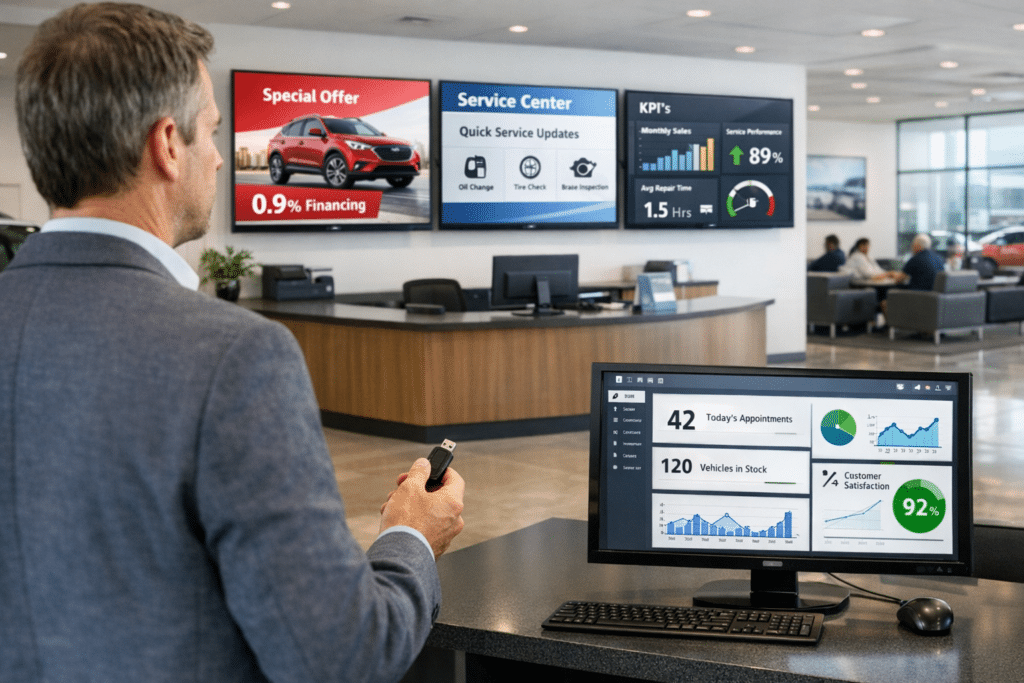
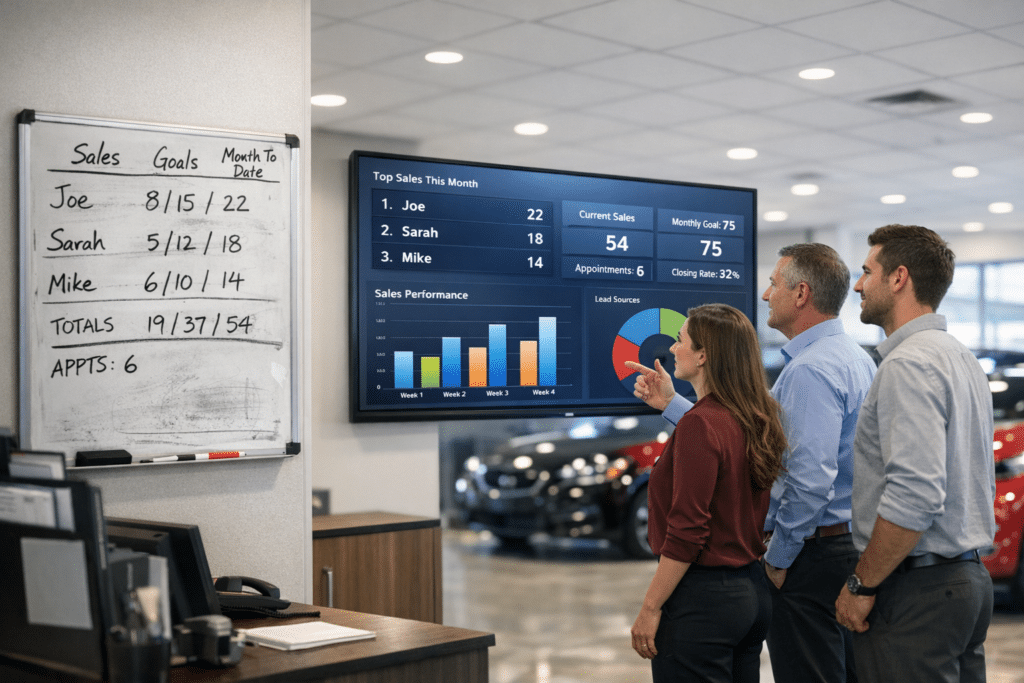
Here is one helpful fact. Digital Dealership System automates digital displays and posts real-time KPIs, or key performance indicators, along with messages where teams work. These Digital Displays keep sites current without constant manual edits.
This article highlights the rules that matter for OEM facilities. OEM stands for Original Equipment Manufacturer. It also compares outdated methods with a smarter approach that uses Digital Dealership tools.
The goal is simple, help a team avoid mistakes and improve daily operations.
Ready to see how easy staying compliant and efficient can be? Keep reading.
Key Takeaways
- Digital Dealership System automates real-time Digital Displays at OEM sites, cutting manual errors and missed compliance updates that can trigger fines or Safety issues.
- Important upgrades include ADA and Section 508 accessibility, secure content controls, quarterly rule reviews, high-contrast screens, encrypted links, and live data feeds.
- Monthly usability testing and regular staff training expose gaps early and support quick action when local or federal Signage Regulations change.
- Automated alerts and audit logs track edits and users across every screen, which helps prevent failed inspections.
- Integrated dashboards and smart compliance tools reduce paperwork, improve Workplace Communication, and keep facilities ready for audits every day.
What are the digital signage rules for OEM facilities?
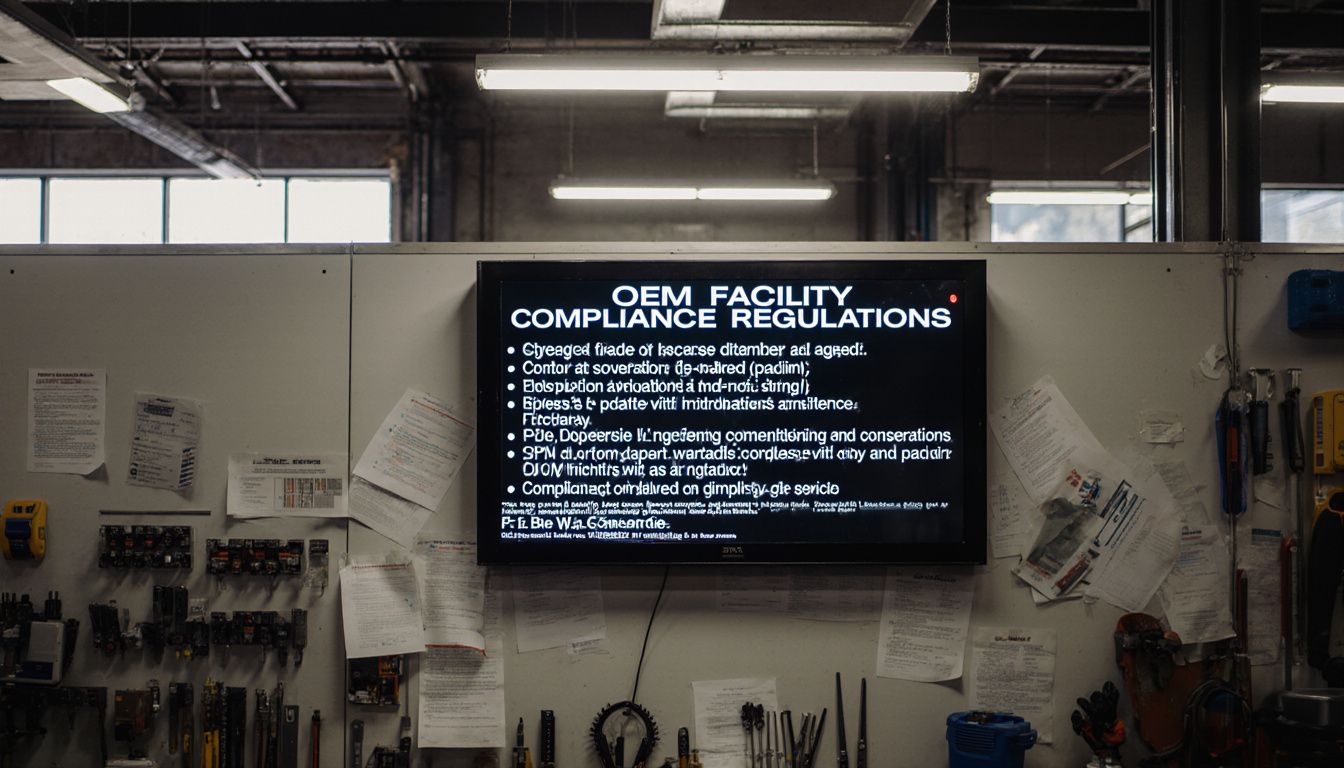
Dealerships face a mix of Signage Regulations and OEM Guidelines that change often. Without clear standards, teams move slower and miss key steps that protect customers and staff.
Competitors who use modern Digital Displays gain smoother workflows and cleaner messages that are easy to read. That raises trust at the counter and on the service line.
Manual updates are slow and lead to mistakes with content rules or advertising Standards. Digital Dealership uses current safety practices, user-friendly design, and Regulatory Standards to keep content right where it needs to be.
This is why the platform focuses on Digital Compliance. It makes rules easier to follow and helps each facility run better.
What compliance upgrades are essential for digital signage?
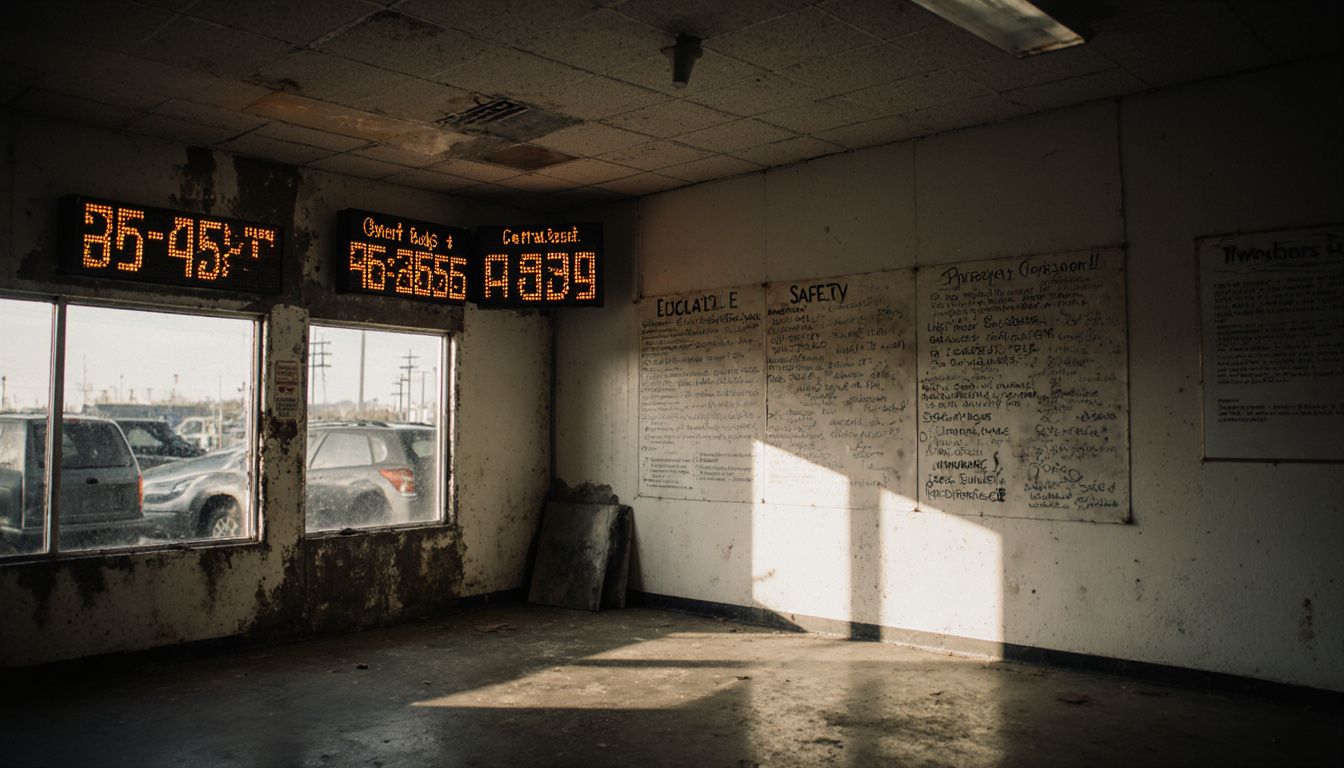
Out-of-date screens confuse teams and visitors. Many OEM locations lose money each month to broken messages and late alerts, while newer sites move ahead. Old sign boards need constant hand edits, cost more over time, and rarely meet modern Standards. Digital Dealership flips this with fast updates, strong controls, and built-in checks.
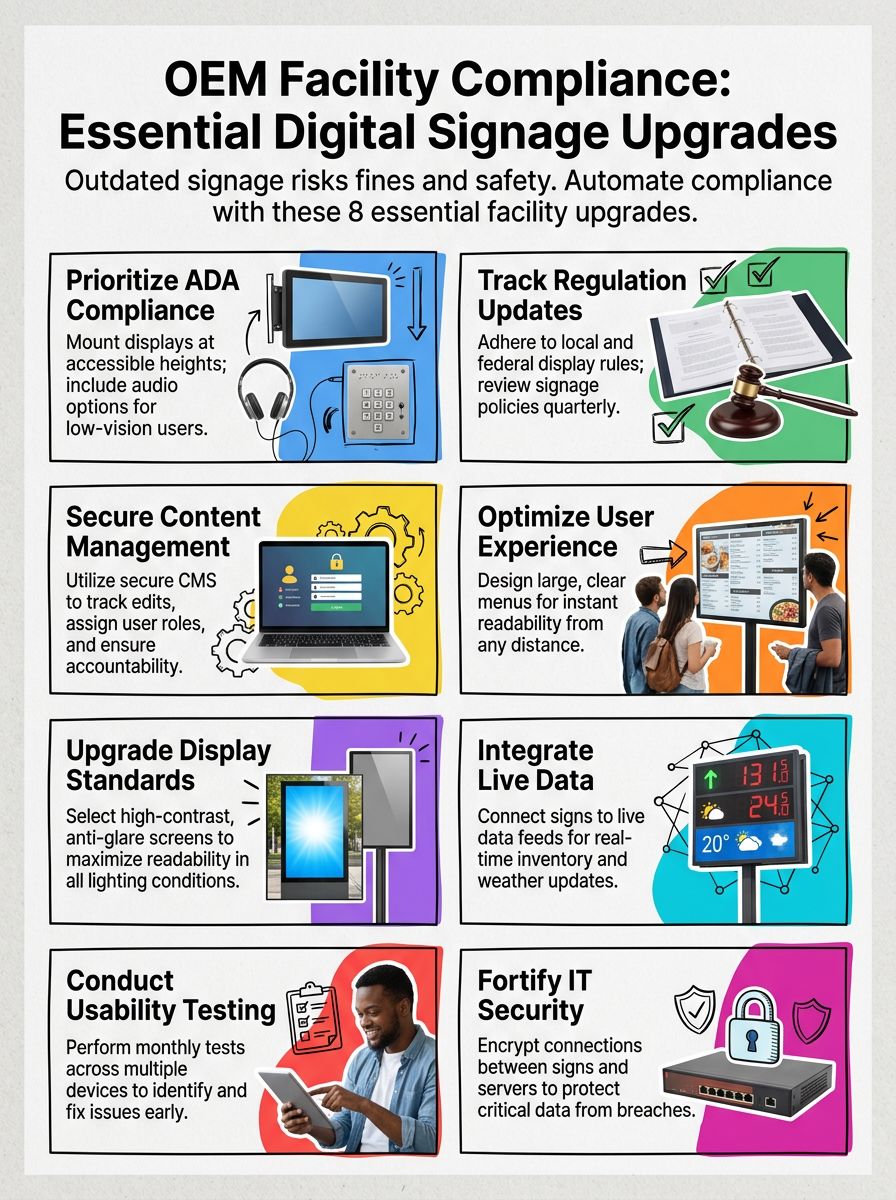
Here are the most essential compliance upgrades for digital signage:
- ADA Compliance: Place screens at reachable heights and add audio for low-vision users. ADA means Americans with Disabilities Act. Meet Section 508, the federal rule for accessible digital info.
- Regulation Updates: Track local, state, and federal Regulations that affect Digital Displays. Review policies each quarter so the content stays legal.
- Content Management Controls: Use a secure CMS, or content management system, to manage roles, track edits, and keep full change history.
- User Experience Improvements: Use large, clear menus so people can read from a distance without strain.
- Display Standards Upgrades: Pick screens with strong contrast and anti-glare glass. Clear text reduces errors in bright or low light.
- Digital Media Integration: Connect signs to live feeds like weather alerts or inventory. Real-time info keeps customers and staff informed.
- Usability Testing: Test every month on multiple devices. Catch issues before they affect visitors.
- Strong IT Security: Protect data with encrypted connections between screens and servers so sensitive info stays private.
Next up, explore simple ways to roll in these upgrades without slowing daily work.
Strategies for Seamless Integration of Compliance Upgrades
Smart planning turns upgrades into a smooth project, not a stall in operations. Digital Dealership helps teams move fast while keeping costs in check.
How can OEM facilities implement compliance upgrades smoothly?
Slow, aging systems create confusion and risk failed audits. Missed updates can lead to penalties and wasted time.
- Run a full audit of current Digital Displays and content. Find gaps early and set clear priorities.
- Train staff on quality checks, Safety Standards, and content rules. Short refreshers each month keep skills sharp.
- Use Digital Dealership automation to post updates in real time. This reduces manual errors and keeps data fresh.
- Enable risk alerts tied to performance data. Quick responses stop small issues from growing.
- Map content updates to daily workflows. Fit edits into normal tasks to limit downtime.
- Keep clean records for audits, including approvals and version history. Organized files speed any review.
- Review signage metrics monthly and adjust. Reports will point to what needs a tweak.
- Share changes early and often. Clear notes build trust and keep every team on the same page.
Digital Dealership was built for Regulatory Compliance and smooth upgrades. It replaces patchwork tools with one connected system that improves ROI.
What are best practices for integrating new digital signage rules?
Hand-updating signs takes hours, and a missed rule can cancel all that work. As rules tighten, falling behind increases costs and creates mixed messages across an OEM site.
- Review Regulatory Standards before installing new screens or changing content. Check local laws and industry rules to avoid forced rework.
- Use display management tools that check content in real time. Automated alerts help fix errors before an audit.
- Train employees on content do’s and don’ts. Clear examples reduce mistakes and keep Compliance strong.
- Set a monthly review for every screen, not just at launch. This keeps content in line with changing Regulations.
- Write a simple upgrade plan with milestones and owners. Track progress so no task is forgotten.
- Boost engagement within approved limits. Interactive content can draw attention, but it must follow the Standards every second.
- Work with experts who know OEM Guidelines and Signage Regulations. That support speeds safe, clean integration.
Digital Dealership centers its service on real-time checks, automated monitoring, and quick technology upgrades that keep screens live. Manual checks and last-minute scrambles cost money and energy. See how this platform keeps facilities ready with less effort.
Conclusion
Outdated signs and manual edits waste time, confuse customers, and weaken Compliance. Missing Safety Standards or zoning laws can bring steep fines and lost sales.
Paper-driven methods offer little live insight. The Digital Dealership System brings dashboards, automated alerts, and fresh content that simplify Digital Displays and improve daily work.
This is why the team built these tools, to help facilities meet every rule while improving performance. Move your site into full Compliance and stay ahead with smarter, secure screens.
Disclaimer: This article provides general guidance only. For legal advice on Regulations, Regulatory Standards, and zoning laws, consult qualified counsel or your local authority.
FAQs
1. What are the main compliance requirements for digital signage in OEM facilities?
OEM locations must follow strict digital signage rules set by industry regulators and brand partners. These standards cover content accuracy, display placement, approved messaging, and regular updates to ensure all information is current and meets legal guidelines.
2. Why should my facility invest in compliance upgrades for our digital displays?
Upgrading your digital signage ensures you avoid costly penalties and maintain strong relationships with manufacturers. Compliance also boosts customer trust, protects your reputation, and keeps your site ready for audits or inspections at any time.
3. How can professional services help us meet OEM facility compliance standards?
Expert providers offer tailored solutions that address every aspect of regulatory needs—from software integration to hardware installation—so you stay ahead of changing rules. Their certified teams handle everything from initial assessment through ongoing support, saving you time while reducing risk.
4. What steps should I take if I want to upgrade my facility’s digital signage systems for better compliance?
Start by scheduling a consultation with a trusted service provider who specializes in OEM environments; they will review your current setup against required standards then recommend specific improvements or new technologies as needed. Call today or visit our website to learn how easy it is to protect your business with reliable compliance solutions designed just for you.