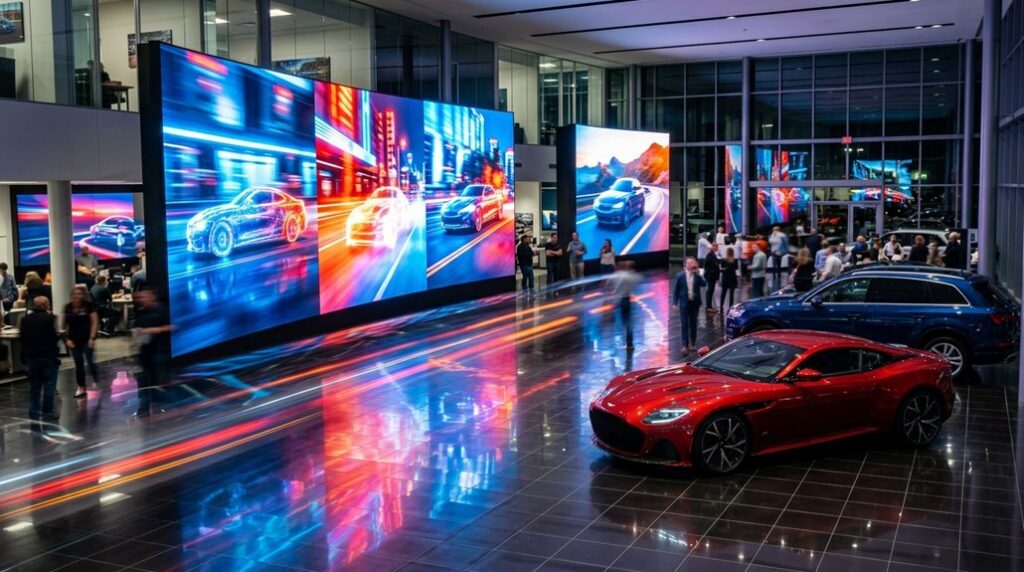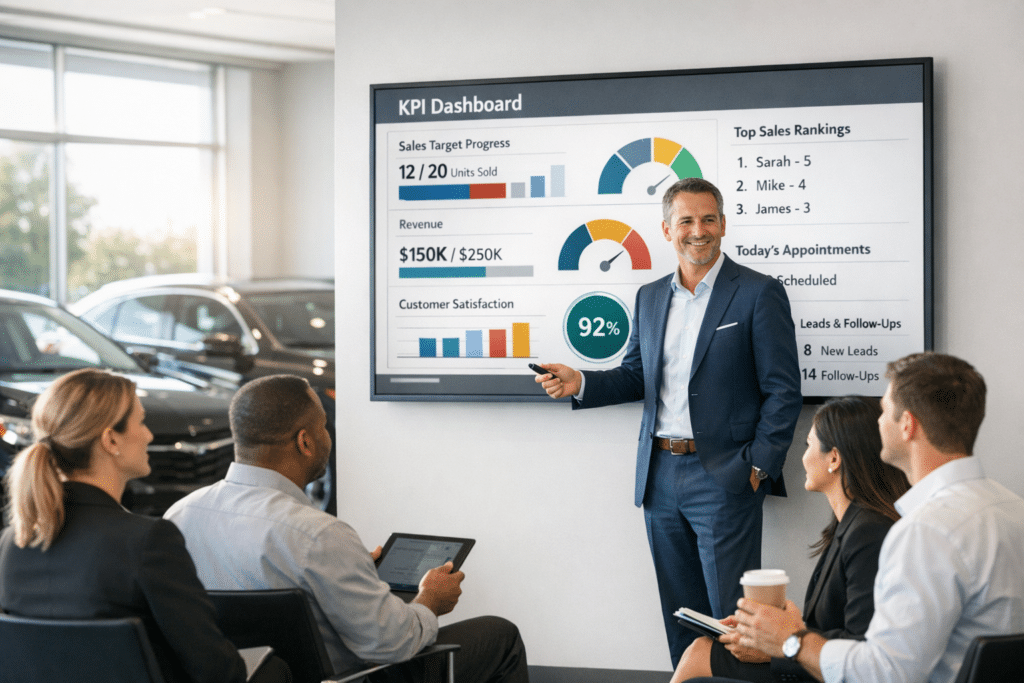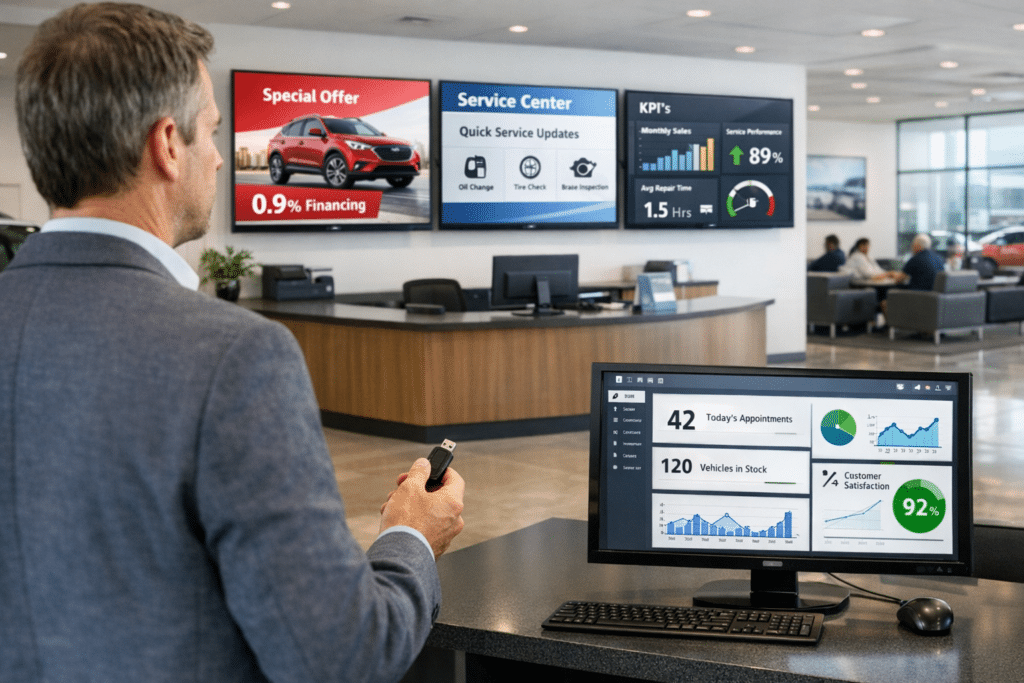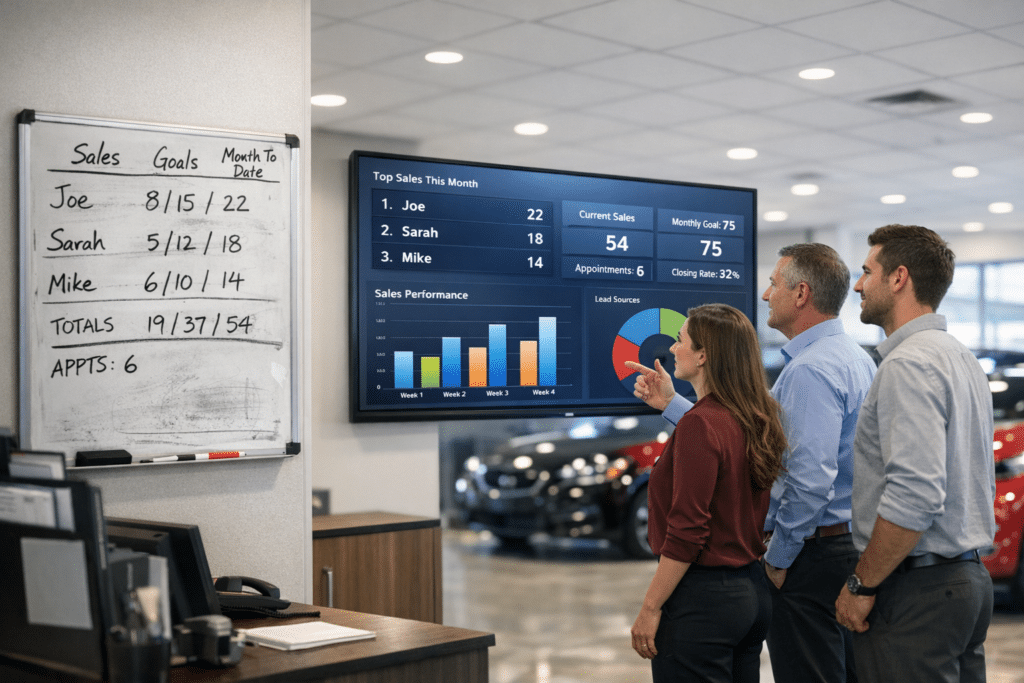

Jim Ellis Automotive Group faced a specific dealership communication problem: wanted customers to keep watching familiar live television without exposing lounge audiences to competitor advertising. The answer was not simply to add more screens. The dealership needed each display and reporting view to serve a defined purpose for customers, employees, or managers.
The Jim Ellis Automotive Group Case Study describes has served customers since Jim Ellis opened his first dealership in 1971. That background matters because dealership technology must fit the operating standards customers and employees already associate with the business. In this case, the documented challenges were clear: Live television exposed customers to competitor advertisements; The dealership wanted to preserve regular TV channel choices; The group needed control of commercial-break messaging; Sales and service offers needed stronger lounge visibility. These were connected issues. A screen that is difficult to maintain can quickly carry old information. A performance report that stays inside a manager’s system cannot provide the same shared reference as a visible leaderboard. Customer-facing programming can also work against the dealership when outside advertising, unsuitable content, or inconsistent brand material appears in the store.
Digital Dealership System provided commercial Replacement Lounge TV preserves live programming while replacing outside advertising breaks with manufacturer and dealership sales and service messages. The current package is documented as Three Commercial Replacement TVs. The source identifies the deployment as three participating franchise stores. This combination ties the technology to the areas where information is used, rather than treating digital signage as decoration.
For dealership managers, the operating value of a managed system comes from control and placement. Customer-facing screens can carry service information, dealership offers, arrival details, or entertainment appropriate to the setting. Staff-facing displays can keep rankings, goals, and current activity visible during the workday. Desktop reports give leaders a separate management view when they need detail for meetings or coaching. The exact role varies by product, but the principle is consistent: the information should appear where the intended audience can use it.
The dealership’s own explanation is the strongest documented result. John Irwin, Fixed Ops Director, said: “Our customers can still enjoy regular live television, but we control what appears during the commercial breaks. That allows us to remove competitor advertising and use the time to promote our own sales and service offerings.” This statement documents why the dealership values the system. It should not be converted into an unsupported financial claim. The source does not provide revenue growth, percentage improvement, or a calculated return on investment. What it does establish is the dealership’s adoption of the listed DDS products and the customer’s stated experience with those tools.
The practical lesson from Jim Ellis Automotive Group is that a dealership should define the communication problem before selecting the screens. Leaders can ask who needs the information, where it must appear, how often it changes, who is responsible for updates, and whether the provider can support the full mix of customer and staff applications. That evaluation is especially important when several departments or locations share the same program.
For stores considering a similar approach, keeping live television while reclaiming the commercial breaks is the supported takeaway. The case study shows a documented business requirement, a DDS configuration built around that requirement, and a customer explanation of why the system matters. It does not depend on invented performance figures. It shows how the dealership chose to organize communication and visibility around the way its teams and customers actually use the store.