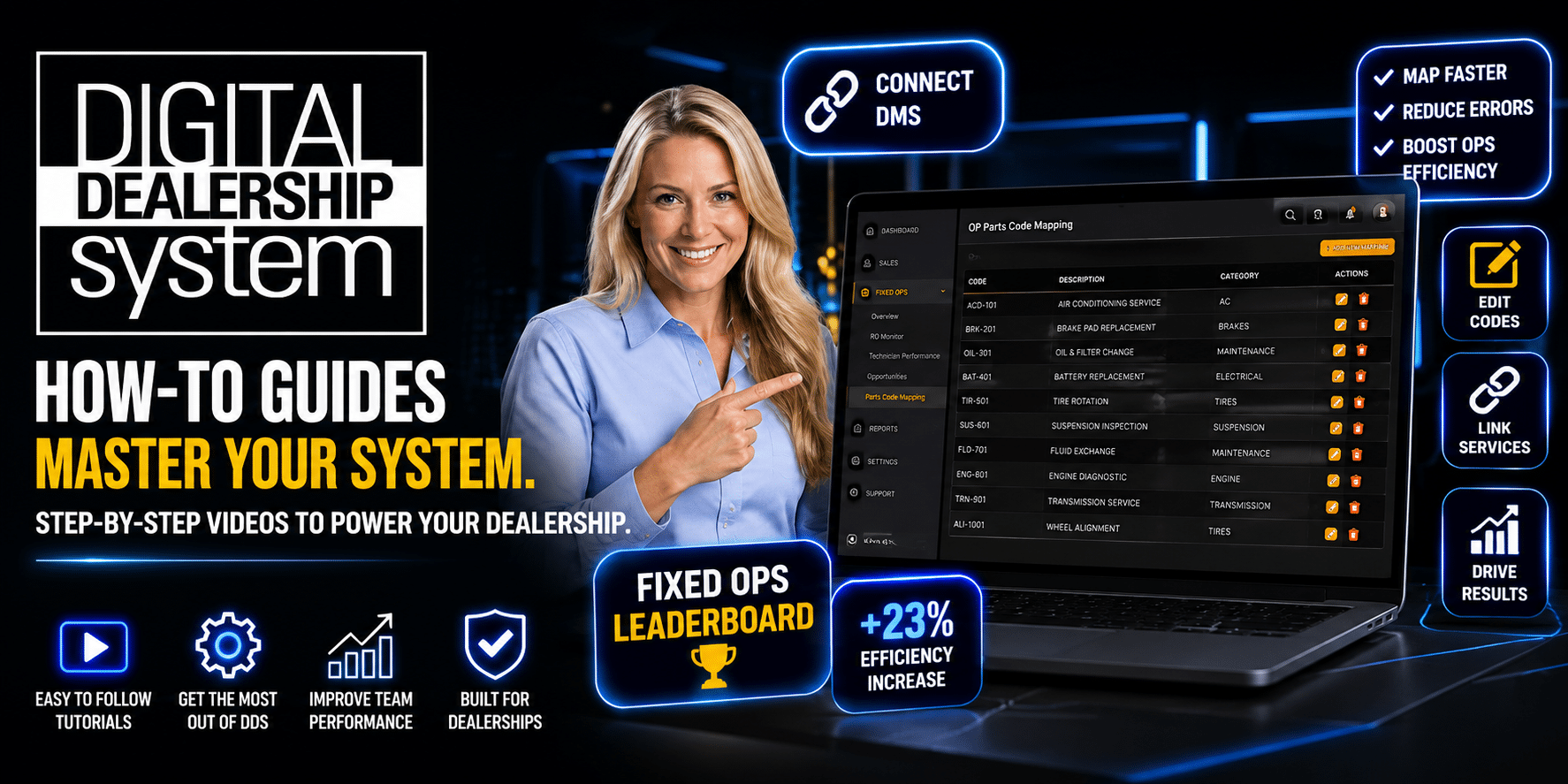
Have a quick question but do not feel like opening a support ticket?
Now you can head straight to YouTube.
Digital Dealership System is building a growing library of customer training videos, feature walkthroughs, and quick tutorials designed to help dealership teams find answers faster.
Whether you are trying to update a setting, customize a report, or simply remember how a feature works, these videos give you an easy way to watch, learn, and get back to work.
Visit the Digital Dealership System YouTube channel:
https://www.youtube.com/@Digitaldealershipsystem
What Can You Expect from the Tutorials?
These are not long, overly technical training sessions.
Each video focuses on a specific feature or question, making it easier to find the information you need without sitting through a full platform demonstration.
You can expect:
- Clear, step-by-step screen walkthroughs
- Practical examples using real platform features
- Simple explanations of settings and reports
- Short demonstrations you can pause and follow
- Tutorials covering new features and updates
The goal is simple: help you understand the feature, make the adjustment, and move on with your day.
Featured Tutorial: Fixed Ops Business Intelligence
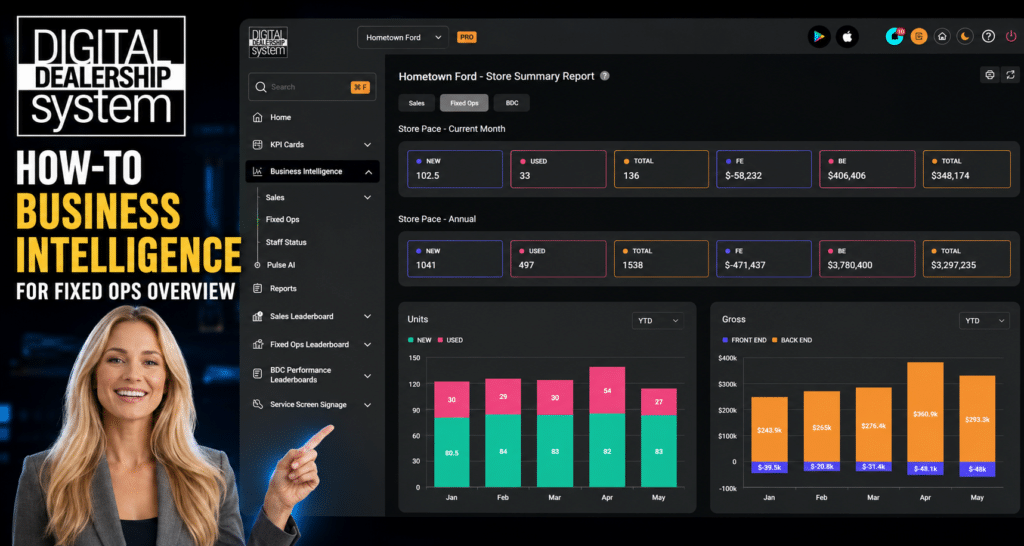
The Fixed Ops Business Intelligence tutorial shows dealership leaders how to take a deeper look at performance beyond what appears on the leaderboard.
The video walks through how to:
- Review store, advisor, and technician performance
- Filter Customer Pay, Internal, and Warranty data
- Select custom reporting periods
- View historical information
- Open individual advisor or technician details
- Print reports for meetings and internal review
This tutorial is especially useful for Fixed Ops directors and managers who want a more detailed view of departmental performance.
Watch the Fixed Ops Business Intelligence tutorial:
https://youtu.be/d8DJa6Fp7fw?si=mx2Cu-quFGZqAYSk
Featured Tutorial: Custom Sales Date Ranges
Some dealerships use extended sales periods during holidays, quarter-end reporting, or OEM reporting extensions.
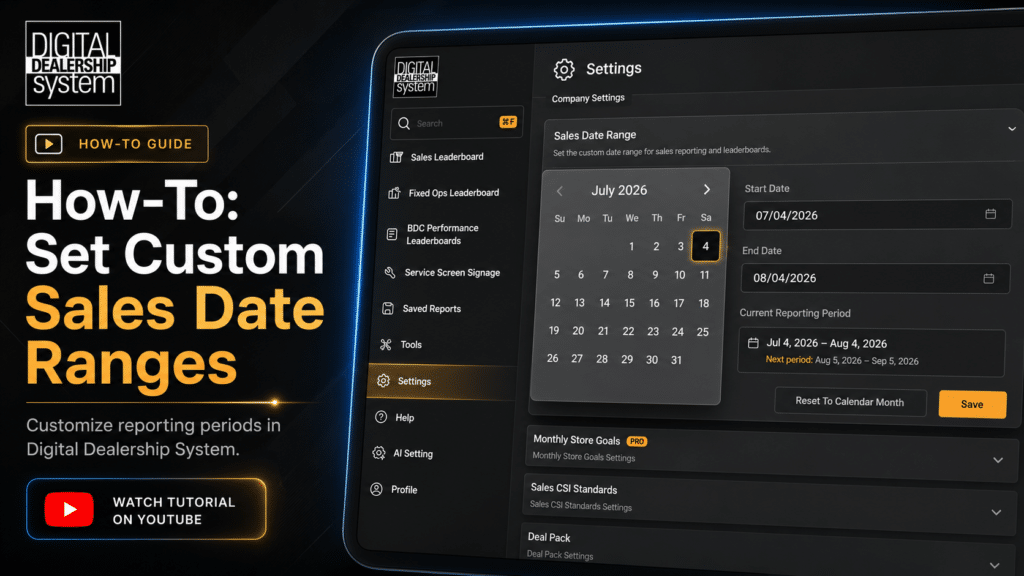
The Custom Sales Date Range tutorial explains how to temporarily adjust reporting dates across an entire Digital Dealership System account or for one individual leaderboard.
The video also explains the difference between account-wide and leaderboard-specific settings, helping managers make the right update without affecting reports they did not intend to change.
Watch the Custom Sales Date Range tutorial:
https://youtu.be/xuzw_DeqISw?si=Olx1fi-GYMIXmwKk
Find Every Tutorial in the YouTube Playlist
These featured videos are only a small sample of what is available.
Customers can visit the Digital Dealership System YouTube playlist to browse all current tutorials in one place. The playlist includes videos covering Sales, Fixed Ops, reporting, settings, team management, platform updates, and other commonly used features.
You can watch the videos in any order, share them with other employees, or save the playlist for the next time you need a quick refresher.
Explore the complete tutorial playlist:
https://youtube.com/playlist?list=PLHI1ban8tUxI&si=65I5ga-hAMLckdsH
Watch Tutorials Inside Digital Dealership System
You do not have to leave the Digital Dealership System platform to find help.
The same training and support videos are also available inside the Digital Dealership System app through the Video Gallery.
You can find the help resources in either the bottom-left or upper-right corner of the platform. Select Video Gallery, browse the available topics, and choose the tutorial you want to watch.
The video plays directly inside the app, allowing you to review the steps and immediately return to the report, leaderboard, or setting you were working on.
Log in to Digital Dealership System:
https://dashboard.digitaldealershipsystem.com/
Learn at Your Own Pace
YouTube and the in-app Video Gallery make it easier to use the tutorials in the way that works best for you.
You can pause while making a change, replay a step, share a tutorial with another employee, or use the videos while training a new team member.
The tutorials are available whenever your team needs them, whether that is during a meeting, at the beginning of the month, or five minutes before someone asks how to update a report.
Support Is Still Available
The video tutorials are not replacing the Digital Dealership System support team.
They simply provide another way to get help.
For a quick feature question or setting update, a short video may provide the fastest answer. For technical issues, account-specific questions, or personalized guidance, customers can still contact support or schedule a training session.
Contact Digital Dealership System support:
https://digitaldealershipsystem.com/customers/support/
More Video Tutorials Are on the Way
Digital Dealership System will continue publishing tutorials covering new platform features, reports, settings, Business Intelligence tools, and frequently asked customer questions.
Subscribe to the YouTube channel and check the in-app Video Gallery regularly to see the newest additions.
The next time you ask, “How do I do that again?” the answer may already be waiting for you.
Subscribe to Digital Dealership System on YouTube:
https://youtube.com/@digitaldealershipsystem?si=0OJNInT8zjER1HYP