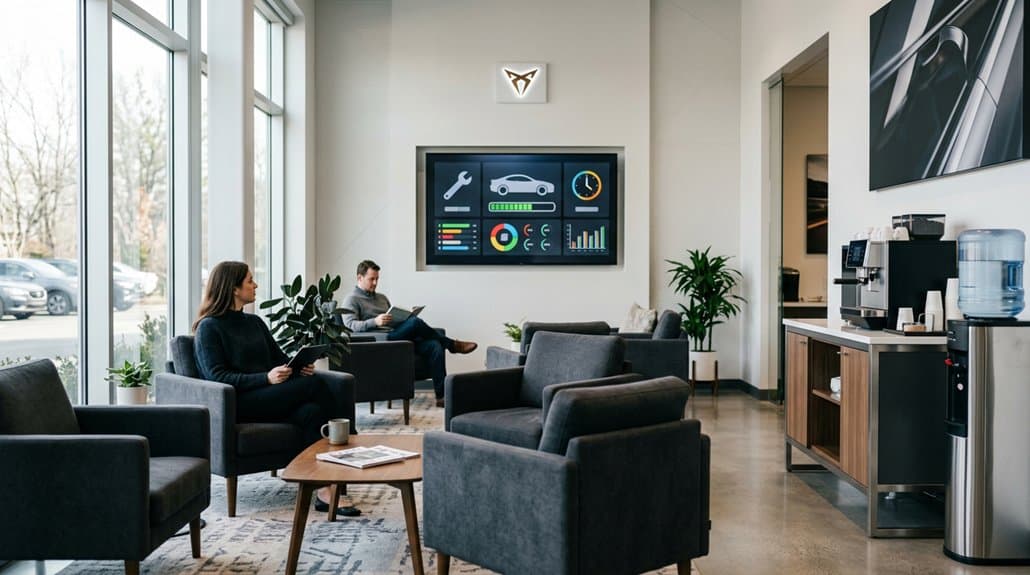
You’ll want a commercial-free, family-friendly lounge TV like DDS-TV that integrates with your DMS to show live service status, cut perceived wait times by up to 33%, and protect revenue from competitor ads. Standardize on compatible streaming devices, prioritize robust Wi‑Fi/QoS, and automate content updates. Mix automotive tips, local content, and analytics-driven segments to boost engagement and ROI. Keep measurement and short optimization cycles so your program keeps improving—continue for setup, integration, and measurement details.
Key Takeaways
- Choose a commercial-free, family-friendly Lounge TV service (e.g., DDS-TV) to improve comfort and eliminate competitor ads.
- Integrate Lounge TV with your DMS to display real-time service status, timestamps, and estimated completion times.
- Standardize streaming hardware (Roku/Fire/Apple TV) and use HDMI plus robust Wi‑Fi with QoS for reliable playback.
- Mix automotive tips, local content, and entertainment, rotate segments regularly, and refresh content to reduce perceived wait times.
- Use analytics to track engagement, dwell time, and conversions, then optimize content and reallocate budget to high-performing assets.
Choose the Right Lounge TV System for Your Service Department
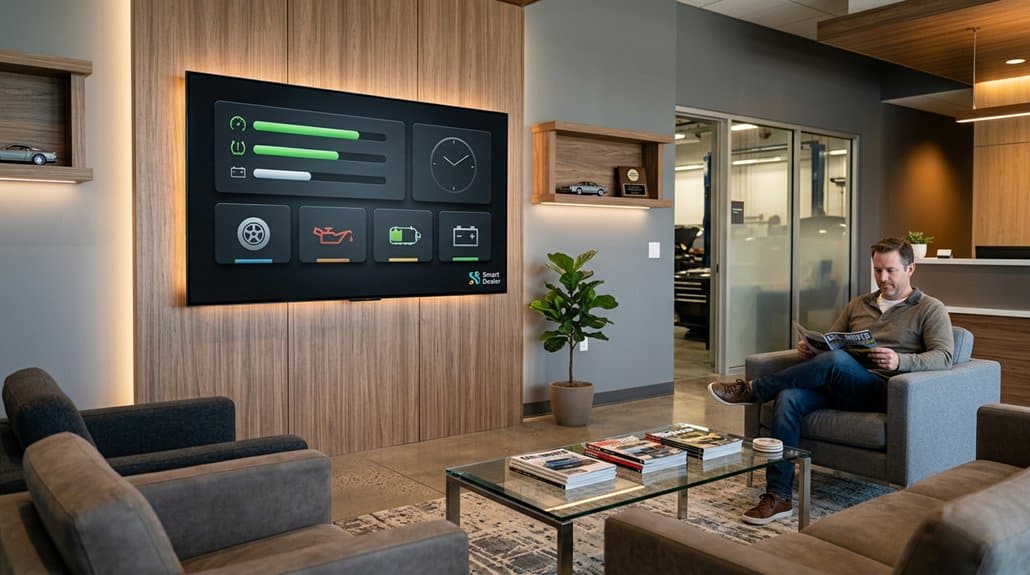
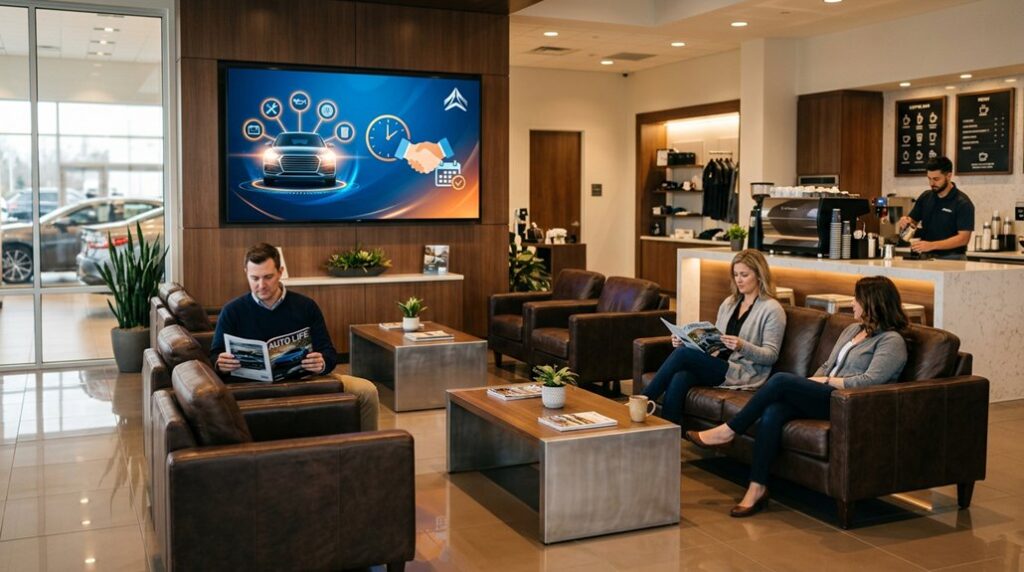
When choosing a lounge TV system for your service department, prioritize solutions like DDS-TV that deliver commercial‑free, family‑friendly content at competitive rates (plans start around $99/month). You’ll want a system that preserves a calm lounge atmosphere and enhances customer comfort by eliminating competitor ads and delivering dealership messaging. Quantify benefits: DMS-integrated real-time service updates can cut perceived wait times by up to 33%, so pick platforms that support that data flow. Look for automatic content updates and easy customization to rotate branding and seasonal promos without manual effort. Guarantee multi-platform streaming compatibility for flexibility in deployment and user experience. Make decisions based on measurable engagement improvements, reduced complaints, and straightforward operational ROI.
Hardware, Streaming & Network Setup for Lounge TV
If you want a reliable lounge TV setup, start by standardizing on a compatible streaming device—Roku, Fire TV, or Apple TV—connected via HDMI (or USB where supported) so you get consistent playback, easy signage integration, and simple troubleshooting. Choose devices that maximize device compatibility across apps and content formats to minimize support calls. Prioritize robust Wi‑Fi with QoS to preserve streaming quality during peak shop hours; wired Ethernet where possible reduces dropped frames. Implement automated content management for timely, brand-safe playlists and real‑time updates. Schedule regular hardware maintenance: firmware updates, ventilation checks, and cable inspections. Track uptime and playback metrics to guide replacements and configuration tweaks. These data-driven practices reduce downtime and keep customers engaged with fresh, family-friendly content.
Integrate DMS & Live Service Status Into Lounge TV
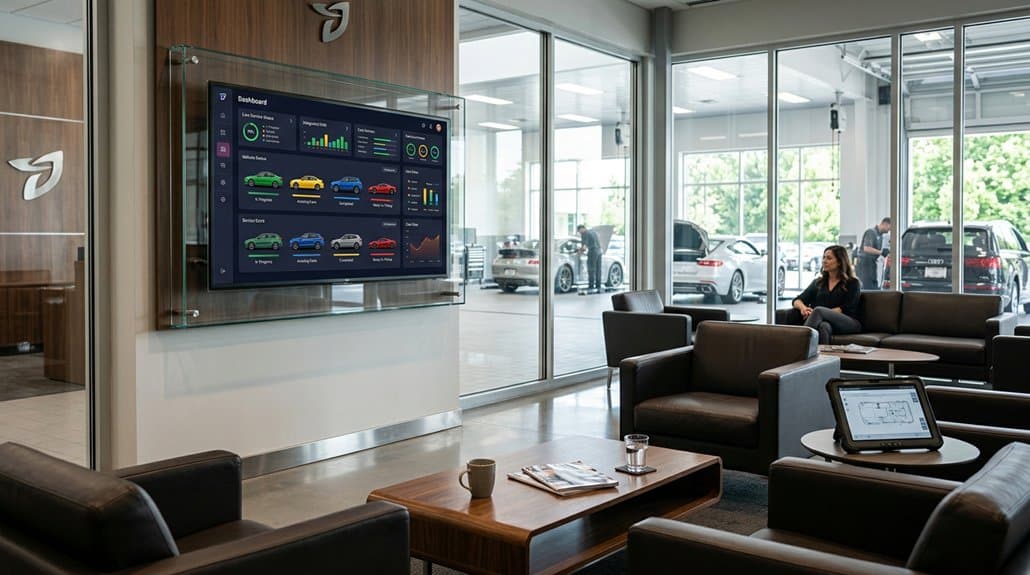
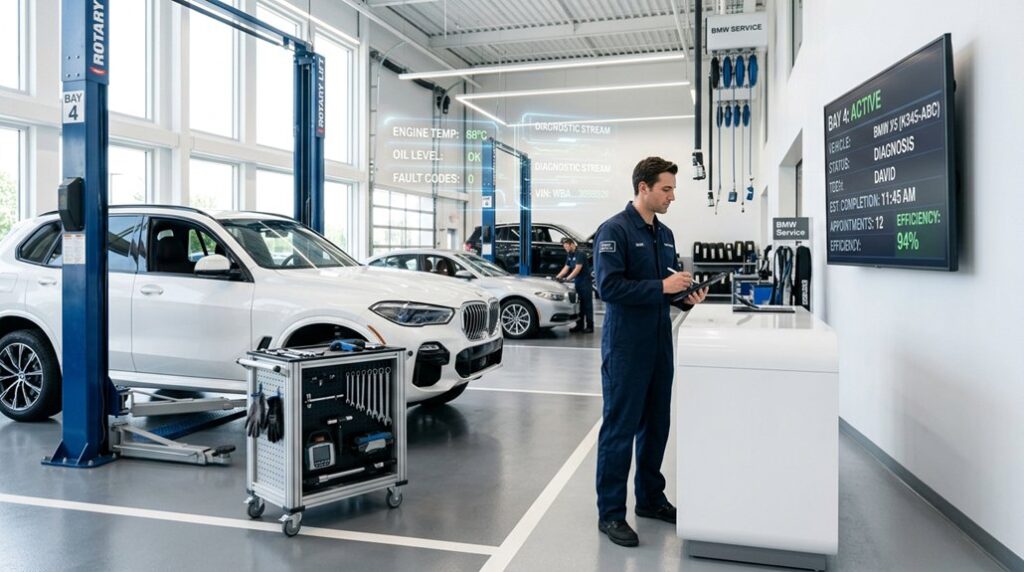
You’ll want to integrate your DMS with Lounge TV to surface real-time service updates that keep customers informed about their vehicle’s progress. Data shows visible status reduces wait-time inquiries and boosts satisfaction by clarifying each service stage. With automated, accurate feeds you’ll cut miscommunication and use targeted messages to drive additional services or offers.
Real-Time Service Updates
Although integrated DMS feeds bring live service status to lounge TVs, they do more than just display progress—they cut customer uncertainty by offering real-time updates, estimated completion times, and visibility into each step of the repair process. You’ll boost service transparency and customer engagement while reducing interruptions to your staff. Data shows live status can lower perceived wait times by up to 33% and slash inquiry volume.
- Reduce calls: live progress and estimated completion times cut status questions.
- Increase trust: visible steps and timestamps build reliability and transparency.
- Improve experience: informed customers feel engaged, making waits feel shorter.
Deploy concise, accurate feeds from DMS to lounge screens so customers stay informed without extra staff effort.
DMS Integration Benefits
Because DMS integration pushes live service status directly to lounge TVs, you’ll cut inquiry volume, boost transparency, and make waits feel shorter by showing real-time progress, timestamps, and estimated completion times. You’ll reduce advisor interruptions and improve customer satisfaction by letting patrons self-serve status checks. Service transparency builds trust—customers see exactly where work stands and when to expect delivery. Use DMS data to display targeted offers tied to current needs, increasing upsell relevance without annoying guests. Real-time metrics also let you measure engagement, track inquiry reduction, and quantify time-in-lounge perception improvements. The result is a seamless, data-driven customer experience that streamlines communication, fosters loyalty, and encourages repeat visits through clearer expectations and smarter, contextual messaging.
Create a Content Mix to Reduce Perceived Wait Time
When you mix automotive tips, local news, and family-friendly entertainment—and update it regularly—you’ll cut perceived wait times by about a third, turning a 30-minute wait into the feeling of 20 minutes; this blend also gives your staff natural conversation starters, keeps customers informed with repair insights and car-care education, and opens opportunities for local ads that both engage visitors and generate revenue. You should tailor content variety to viewer preferences and rotate segments to maintain freshness. Prioritize short, informative clips that educate and prompt service discussions. Use analytics to measure engagement and adjust programming. Consider local sponsorships to offset costs while keeping relevance high.
- Short tips and repair insights
- Local news and community spots
- Family-friendly entertainment and promos
Stop Competitor Ads With Commercial Replacement TV for Dealerships
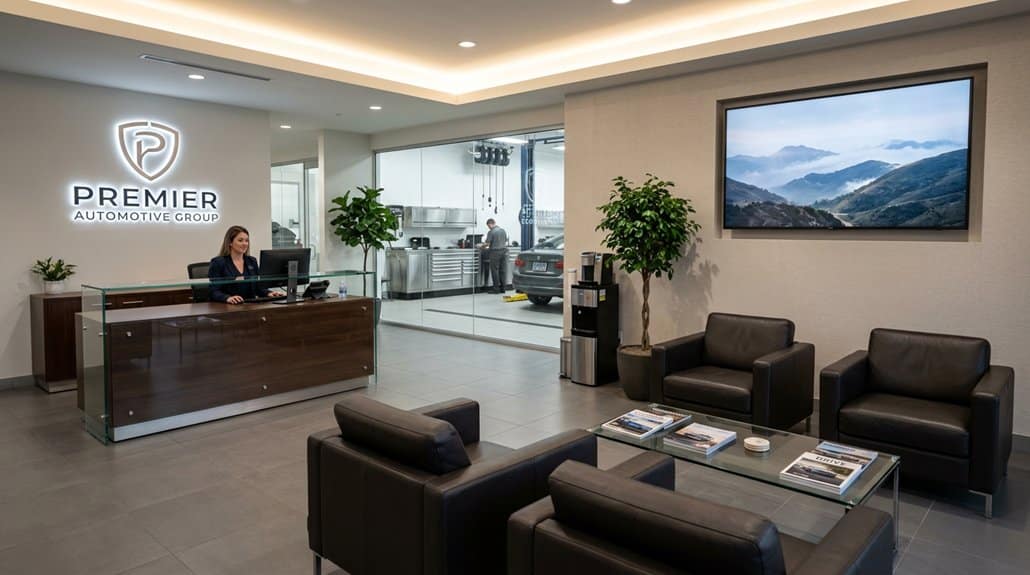
If you want to keep customers focused on your brand instead of a competitor’s, Commercial Replacement TV detects live commercial breaks and swaps out rival ads for dealership-branded content in real time, preserving engagement and reducing perceived wait times. You’ll replace distracting competitor spots with tailored promotions, family-friendly clips, and service offers that boost ad impact and drive brand loyalty. The patented system updates in real time and integrates with your platforms, so deployment is seamless and measurable without extra staffing.
| Benefit | Outcome |
|---|---|
| Competitor ad removal | Higher attention share |
| Tailored messaging | Increased service uptake |
| Real-time updates | Immediate relevance |
| Platform integration | Low deployment friction |
| Family-friendly content | Better customer satisfaction |
Measure ROI: KPIs, Engagement Metrics & Content Optimization Cycle
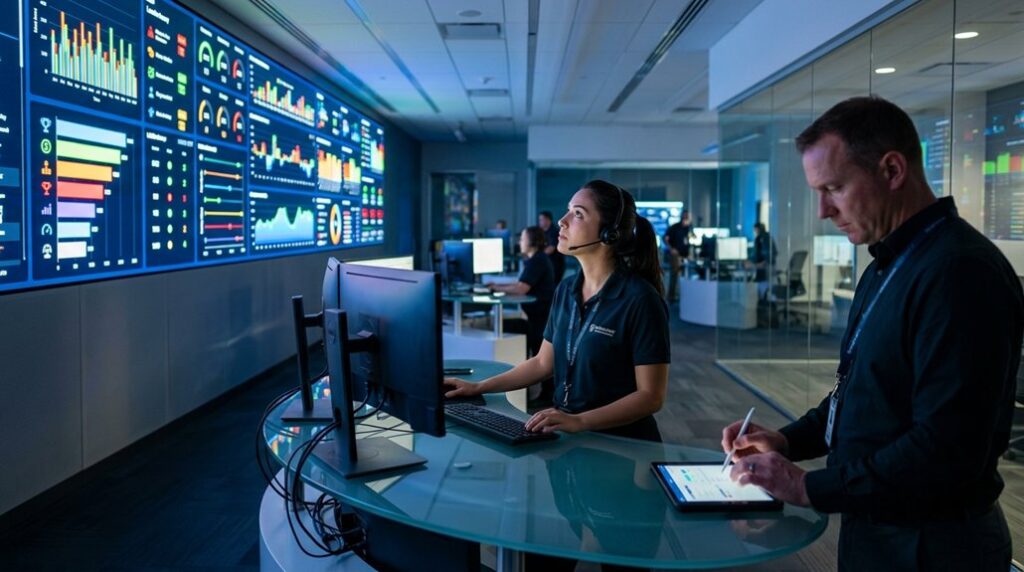
Track engagement rate trends to see which spots keep customers watching and which drive clicks or service inquiries, then feed those insights into a content performance loop that prioritizes high-performers. Use quantitative metrics — dwell time, interaction frequency, conversion to appointments — plus advisor feedback to validate what’s working. Iterate content regularly and automate updates so proven items scale while underperformers get replaced quickly.
Engagement Rate Trends
Because perceived wait times fall as engagement rises, you’ll see customer satisfaction lift — in some cases engagement rates climb by up to 33% — so measuring and optimizing lounge TV performance should be part of your ROI routine. Track KPIs like viewer retention time and interaction rates to quantify impact, and align content with customer preferences using targeted engagement strategies. Refresh content regularly; dealerships that update programming frequently report higher retention and return visits. Use tailored segments—car care tips, local promotions—to boost conversions and gather viewer feedback. Analyze analytics to refine what works and drop what doesn’t. Focus on measurable lifts in satisfaction and sales attribution, then repeat the cycle: test, measure, iterate.
- Viewer retention time
- Interaction rates
- Content refresh frequency
Content Performance Loop
When you treat lounge TV as a measurable channel, you can tie content decisions directly to ROI by tracking KPIs like average view duration, interaction rates, retention post-viewing, and service upsell conversions. You should build a content strategy that starts with audience demographics and clear objectives, then define KPIs: engagement, view duration, feedback scores, retention, and upsell success. Use analytics tools to monitor trends and pinpoint which assets drive service revenue or boost satisfaction. Run short optimization cycles: test, measure, tweak, and redeploy content based on performance data and customer feedback. Over time, this loop refines relevance, increases conversions, and proves the channel’s value—letting you allocate budget and scale what actually moves the needle.
Frequently Asked Questions
How to Increase Service Department Sales?
Use targeted customer engagement strategies, leveraging lounge TV content to boost service promotions effectiveness; you’ll track metrics, present timely upsell offers, train staff for consultative selling, and update family-friendly videos to increase conversions and revenue.
Conclusion
You’ve now got the blueprint to turn lounge TV into a performance engine for your service department. Use the right hardware, plug into your network, and surface live DMS data so customers stay informed and engaged. Mix entertaining, service-focused content, block competitors, and track KPIs to prove impact. Test, iterate, and optimize—little tweaks add up. Do this consistently, and you’ll shorten perceived wait times and boost revenue, hands down.