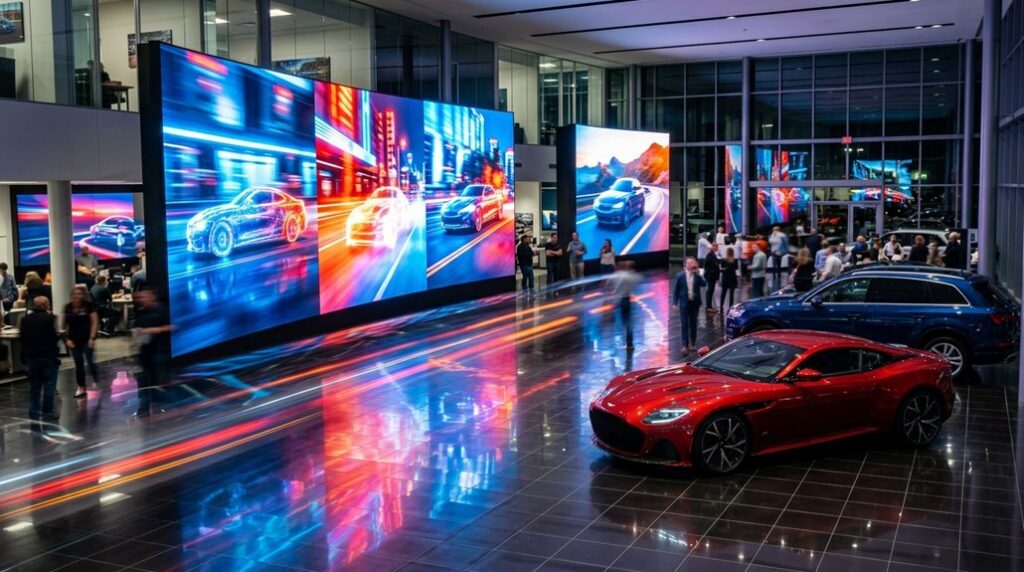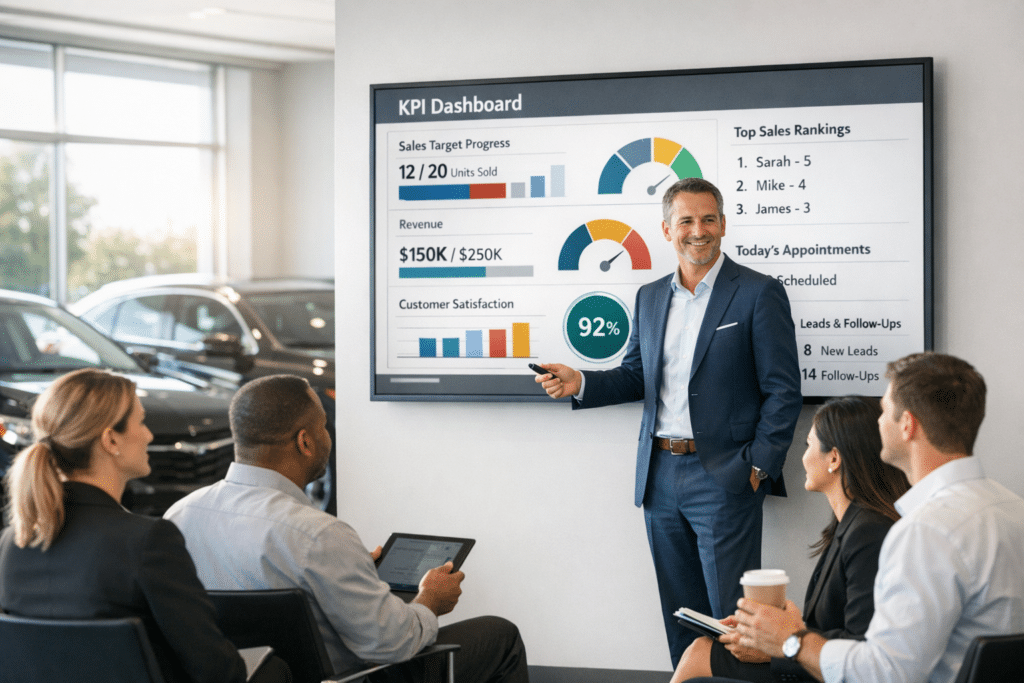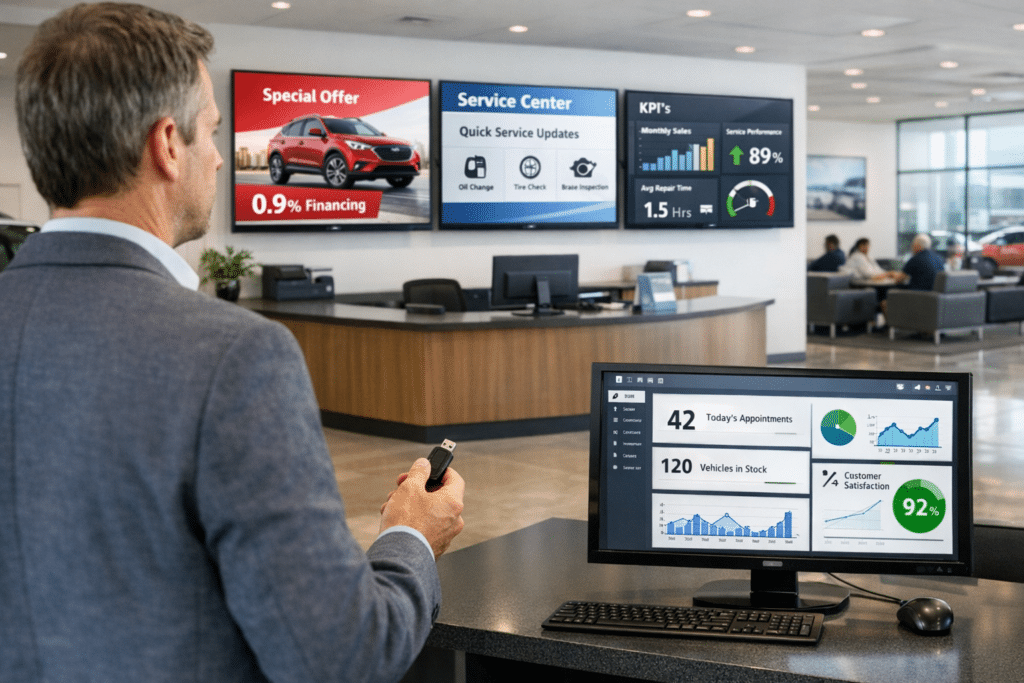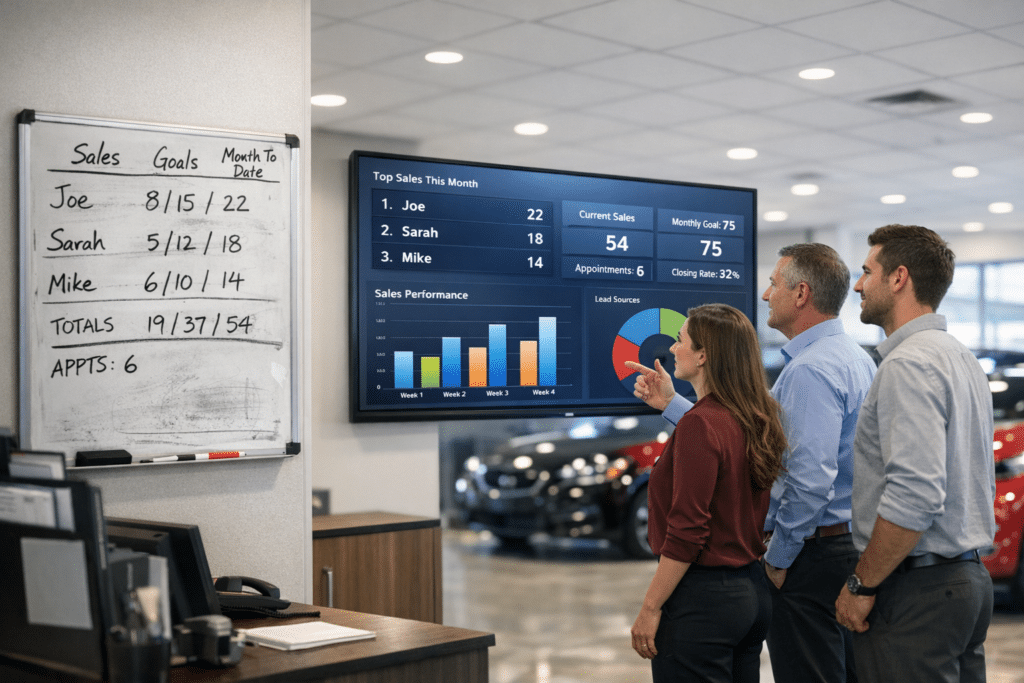
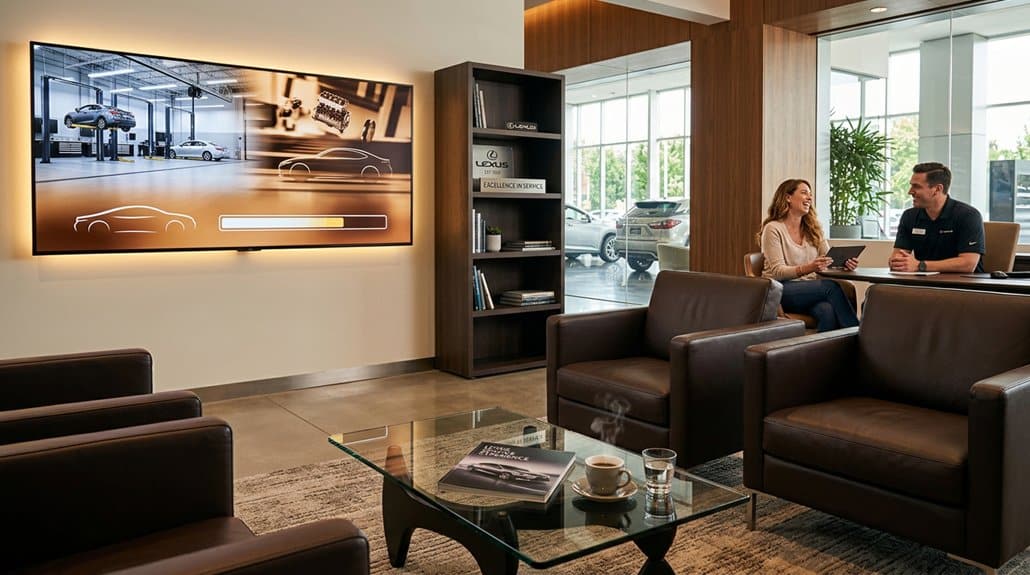
You can cut perceived wait times and drive repeat service by deploying a data-driven Lounge TV that mixes short educational clips, targeted promos, testimonials and family-friendly content. Install a reliable player, align playlists by daypart and demographics, and show real-time vehicle status to reduce anxiety. Train advisors to reinforce on-screen messages and run A/B tests to optimize content. Track viewer retention and promotion redemptions to prove ROI — keep going to see specific content types, schedules and measurement tactics.
Key Takeaways
- Display targeted service promotions and easy redemption codes to incentivize timely return visits.
- Show short maintenance explainer clips to build trust and motivate proactive service scheduling.
- Feature customer testimonials and loyalty offers to increase credibility and repeat-booking likelihood.
- Use dayparted playlists and demographic targeting to present relevant offers during peak customer types.
- Track viewer retention and promotion redemptions to optimize content and quantify incremental repeat revenue.
Quick Start: Launch a Lounge TV Pilot in 5 Steps
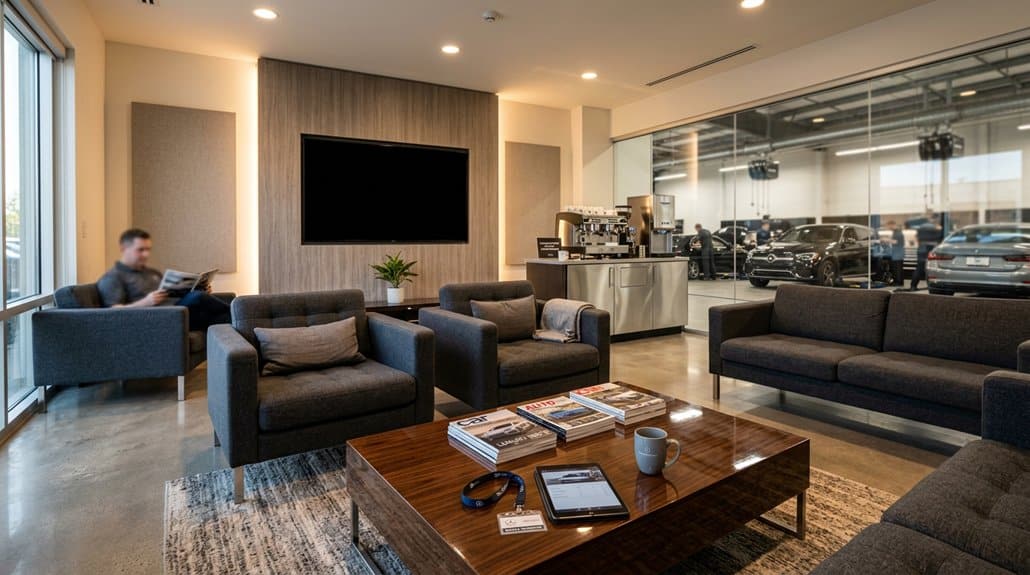
Start with five clear steps to launch a Lounge TV pilot that’s measurable and low-risk: set specific objectives (like cutting perceived wait time by up to 33% and boosting engagement), curate a monthly-updated mix of educational and promotional content, install a reliable media player with stable broadband on your existing TVs, give staff brief training on content management and guest interaction, and define KPIs (viewer retention, promotion redemptions) to track performance and iterate. You’ll translate pilot objectives into measurable targets and timelines, deploy content aligned to service offers, and verify playback stability before launch. Keep staff training focused—how to swap playlists, troubleshoot basic connectivity, and prompt guests toward offers. Monitor viewer retention and redemption rates weekly, then optimize content cadence and CTAs based on results.
Choose Lounge TV Content: 6 Types and Ideal Clip Lengths
With your pilot goals and KPIs set, the next step is choosing content that moves those metrics—viewer retention, perceived wait time, and promotion redemptions. Pick a balanced content variety to maximize customer engagement:
Choose diverse, short-form content to boost retention, shorten perceived wait, and increase promotion redemptions.
1) Informative clips (30s–2m) teach maintenance, building trust and reducing return anxiety.
2) Promotional content (15–30s) highlights service offers to drive upsells and repeat bookings.
3) Customer testimonials (1–2m) increase credibility and likelihood of return visits.
4) Family-friendly entertainment (5–10m) lowers perceived wait time for groups.
5) Real-time updates (15–30s) reassure owners with transparent status checks.
6) Rotate short local interest pieces (30s–1m) to keep content fresh.
Measure retention and redemption lift, then adjust clip lengths for maximum impact.
Schedule Lounge TV Playlists by Daypart and Customer Profile
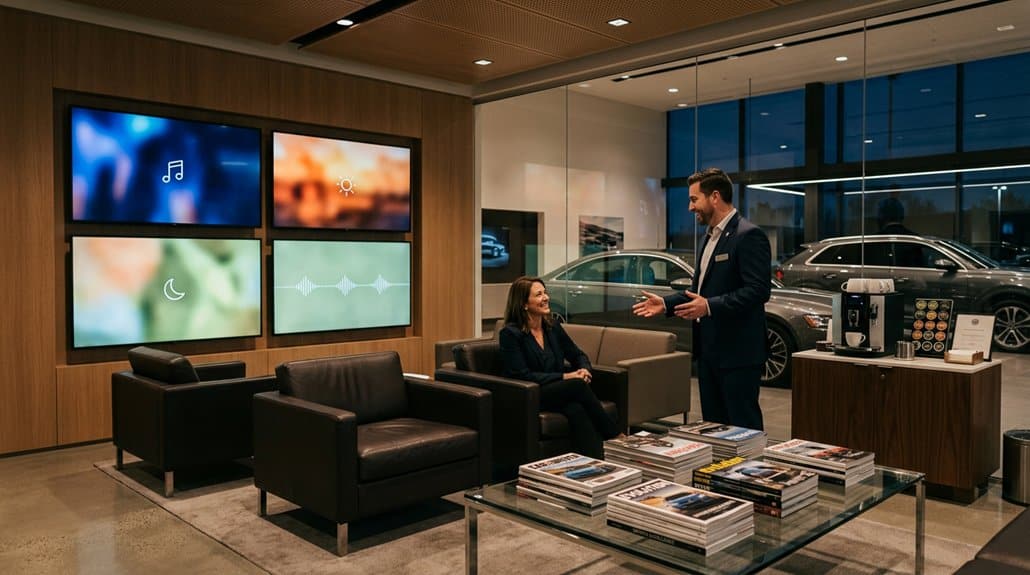
When you align Lounge TV playlists to dayparts and customer profiles, you’ll boost relevance and engagement—resulting in measurable impacts like a 33% reduction in perceived wait times. Use a daypart strategy to match content to peak demographics: mornings for professionals with quick service updates, midday for families with kid-friendly clips, evenings for after-work drivers. Tailor programming to customer profiles so messages feel personal and useful, increasing customer engagement and repeat visits. Schedule educational segments during slower periods to build trust without pressure. Update playlists regularly using viewing analytics and feedback to keep content fresh and targeted. Avoid one-size-fits-all loops — precise scheduling drives satisfaction, shortens perceived waits, and converts visits into future bookings.
Tie Lounge TV to Service Workflow and Advisor Conversations
Although customers might feel anxious during service waits, tying Lounge TV into your service workflow gives advisors a live visual tool to calm concerns and drive conversations—display real-time vehicle status, relevant maintenance videos, and targeted promotions that match each appointment. You’ll reduce anxiety and cut perceived wait times by up to 33% while reinforcing service transparency. Use informative automotive videos for customer education so advisors have credible talking points that build trust and simplify recommendations. Customize content to surface promotions and upsell opportunities aligned with each job, making discussions seamless and relevant. Regularly refresh playlists to keep dialogue current, increase engagement, and create consistent touchpoints that motivate repeat visits without interrupting technician workflows.
Measure Lounge TV ROI: KPIs, A/B Tests, and Revenue Signals
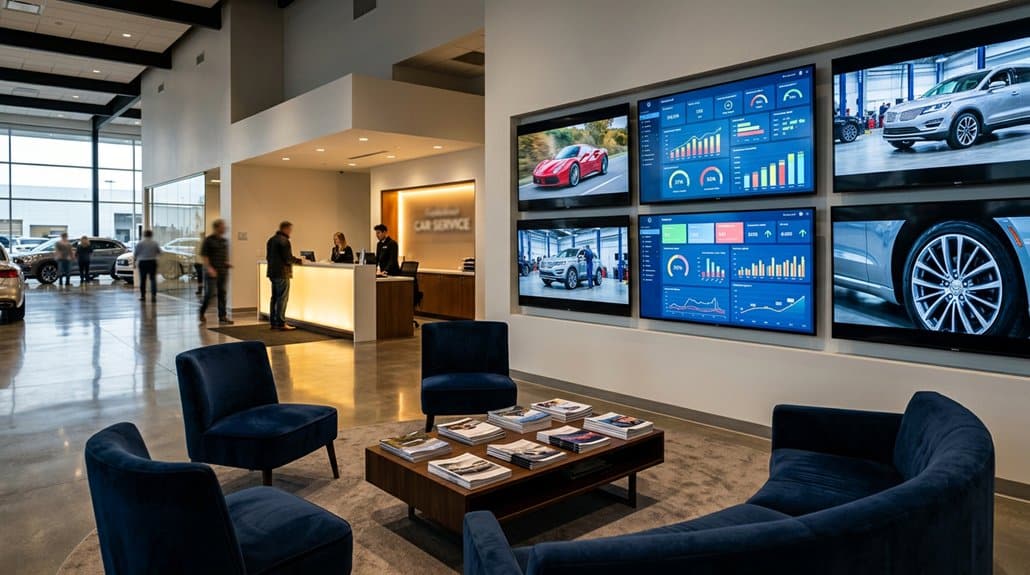
How do you prove Lounge TV is more than a nice-to-have? You use KPI tracking and engagement metrics to tie screens to revenue. Track perceived wait-time reduction, viewer retention, promotion redemption and segmented service-booking lift. Run A/B tests on programming to measure which creative drives the biggest repeat-visit delta. Combine analytics with customer feedback for rapid content optimization and higher relevance.
| Emotional Impact | Measured Signal |
|---|---|
| Relief (shorter waits) | Perceived wait-time ↓ |
| Delight (relevant promos) | Redemption rate ↑ |
| Trust (useful info) | Retention rate ↑ |
| Motivation (book now) | Appointments ↑ |
| Confidence (personalized) | Segment lift ↑ |
Use results to calculate incremental revenue per screen and justify Lounge TV as a proven ROI driver.
Frequently Asked Questions
Can Lounge TV Integrate With My Dealership’s Existing CRM or DMS Systems?
Yes — Lounge TV can integrate with many CRMs and DMSs, offering CRM integration benefits like automated service reminders and personalized content; you’ll need to address DMS compatibility challenges such as APIs, data mapping, and security.
Can I Brand Lounge TV Content With My Dealership’s Logo and Colors?
Absolutely — you can. Don’t worry about limited options: Lounge TV supports robust brand customization with precise logo placement and color schemes, increasing recall by up to 30% and driving measurable repeat service engagement.
What Are Hardware Requirements for Running Lounge TV in Multiple Locations?
You’ll need reliable network connectivity, compatible media players or smart TVs, and centralized CMS access; verify device compatibility across locations (Android, ChromeOS, or dedicated players), adequate bandwidth, PoE or power, and optional mounting/hardware redundancy.
Is There Parental or Content-Filtering for Family-Friendly Programming?
Yes — Lounge TV provides robust parental controls and content safety features. You’ll get granular filtering, customizable channel blocks, age-based restrictions, scheduling, and reporting, so dealerships can guarantee family-friendly programming and measurable content compliance.
How Much Staff Training Is Needed to Manage Lounge TV Daily?
You’ll need minimal staff onboarding—typically 2–4 hours for basics—and ongoing daily management requiring about 15–30 minutes per shift. This data-driven setup boosts consistency, reduces errors, and persuades teams to adopt routine maintenance habits.
Conclusion
You’ve got a low-cost, high-impact tool sitting in your lounge — calming content that quietly increases return visits. When you pair curated clips (30–90 seconds) with advisor prompts and dayparted playlists, repeat service climbs and ticket value follows: dealers report double-digit upticks in retention from targeted messaging. Test with A/B pilots, track visit cadence and revenue per customer, then scale. Small screens, measured strategy — big, measurable returns.